
Your terminal is now a control room — 66 hand-drawn instrumentation widgets: tanks that fill, switches that really toggle, and LEDs that spell words
The eleventh XFrame section: 66 instrumentation widgets — tank levels, switches that really toggle, lamps and RGB status LEDs, gauges, LED digit displays, analog needles and 14/16-segment alphanumeric displays — taking the library to 547 widgets, every one with a working code example.
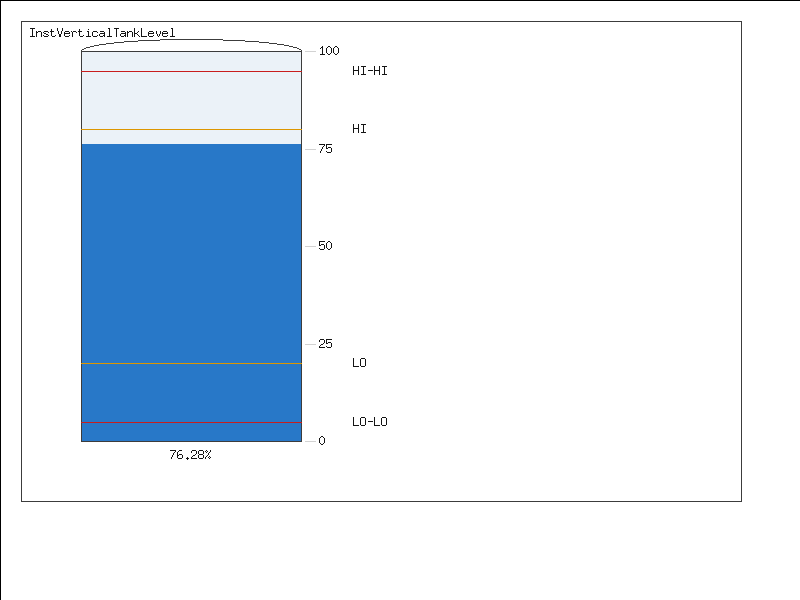
Your terminal is now a control room. This is the eleventh XFrame section — 66 instrumentation widgets, taking the library from 481 widgets to 547, and the combined IDE palette from 517 entries to 583. Eight tank level indicators. Twelve switches that really toggle. Twelve lamps and status LEDs, each an independent illuminator. Gauges, meters, panel furniture, old 7-segment LED digit displays in 1–6 digit variants, analog needles, and 14- and 16-segment alphanumeric displays that can roughly spell words.
Every widget below is a header-only X11 class in widgets/components/<Name>/, following the XGraph pattern — drawn by hand with raw Xlib calls, no toolkit, no hardware I/O, no network. They all render from one shared header, widgets/components/InstData.h: deterministic demo levels and values, shared alarm bands (hi-hi 95, hi 80, lo 20, lo-lo 5), switch states, lamp brightness, and three independent RGB channels. And every widget comes with its picture and a working code example that was verified to compile — all 66 of them, in this article, unabridged.
The code lives at github.com/cnmcdee/CWidgets (HEAD 78236e5), and the full reference this article is built from is docs/instrumentation.md — with per-group detail in tanks, switches, lamps, gauges, digits and segments. The 194 original widgets are documented in articles #11–19, the combined IDE in #20, the stock market section in #21.
Instrumentation — XFrame Instrumentation section
The 11th XFrame palette section (amber accent): 66 widgets — tank levels, switches, illuminators and status LEDs, gauges, panel furniture, LED digit displays, analog needles, and higher-segment alphanumeric displays — taking the library from 481 to 547 widgets in 11 sections and the combined IDE palette from 517 to 583 entries (36 FDesigner + 547 XFrame). Every widget is a header-only X11 class in widgets/components/<Name>/, following the XGraph pattern (Display*/screen/window/GC, draw(), on_button_press, on_button_release, on_motion, on_key), in the standard XFrame hand-drawn widget style — no photorealism, no photo textures. Attribution: XFrame.
Groups
| Group | Widgets | Document |
|---|---|---|
| A — Tank Level | 8 | instrumentation-tanks.md |
| B — Switches | 12 | instrumentation-switches.md |
| C — Illuminators & Status LEDs | 12 | instrumentation-lamps.md |
| D+E — Gauges & Panel Furniture | 12 | instrumentation-gauges.md |
| F — LED Digit Displays & Analog Needles | 10 | instrumentation-digits.md |
| G — Higher-Segment Alphanumeric LED Displays | 12 | instrumentation-segments.md |
| Total | 66 |
Shared data model (InstData.h)
All 66 widgets render from one shared header, widgets/components/InstData.h (included as #include "../InstData.h"). No hardware I/O, no network: demos and tests run on deterministic values defined here, so results are reproducible.
xframe::inst_clamp_level(double)— clamps a level to [0, 100].xframe::InstAlarmBands— hi-hi 95, hi 80, lo 20, lo-lo 5 (percent);set_alarm_bands()changes them on tank widgets.xframe::InstSwitchState—Off,On,Tripped. Centre-off rockers useOffas the middle position; breakers useTrippedfor the fault position.xframe::InstLamp {on, brightness}— one illuminator: on/off plus brightness 0–100 (100 = full).xframe::InstRgb {red, green, blue}— one RGB status LED: three independent channels, each an independent illuminator. Any of the 8 colour combinations plus off.xframe::inst_demo_level(seed)— deterministic demo level in [5, 95]; same seed gives the same level on every run and every platform.xframe::inst_demo_value(min, max, seed)— deterministic demo value in [min, max] for gauges, derived frominst_demo_level(seed).
How the widgets behave
- Tank levels (Group A): every widget shows fill 0–100%, a 0–100 scale, and hi/lo alarm markers. Level is settable with
set_level()(clamped viainst_clamp_level) and readable withget_level(). Clicking sets the level from the click position; Up/Down (or Left/Right) keys nudge it by 5, Home sets 0, End sets 100, R resets to the deterministic demo level. - Switches (Group B): every switch really toggles — a click flips the state and the widget redraws in the new position. State is observable via
is_on()andget_state()(returningInstSwitchState), and every widget exposes anon_clickcallback fired on each state change. The emergency stop latches on press and resets on right-click or R; the circuit breaker adds a mid-positionTrippedfault state. - Lamps and LEDs (Group C): every lamp and LED is an independent illuminator — its own on/off plus brightness 0–100, observable via
is_on()andget_brightness(). Click (or Space when focused) toggles a lamp; the RGB LED takesr/g/bkeys for its three independent channels; the stack light takes1/2/3; the beacon takesf; the lamp-test button is momentary (on only while held). - Gauges, meters and digits (Groups D, F): every value widget has
set_value(double)(clamped to its range) andget_value(), plusset_range(lo, hi),min_value()/max_value()andfraction()where it applies. Arrow keys adjust the value, Home resets to mid-range (or the minimum for digits/needles). The LED digit displays are old 7-segment style in 1–6 digit variants, zero-padded, with a decimal point after a settable digit. - Higher-segment displays (Group G): 14- and 16-segment alphanumeric LED displays in 1–6 digit variants.
set_value(string)takes the displayed string, normalised to uppercase and truncated to the digit count; characters with no approximation are dropped,./:become a decimal-point dot after the previous digit. Each type documents its repertoire honestly: which characters render clean, which only approximately, and which cannot show at all (blank). Up/Right steps the last displayed character, Down/Left steps it down, Home restores the default demo string. - Panel furniture (Group E): mounting plates, nameplates, bezels and a control-panel grid container other widgets sit on — title strip, screws, labelled cells, click a cell to select it.
Each widget directory holds exactly <Name>.h, main_<Name>.cpp, CMakeLists.txt, and core/xframe_core.h (byte-identical to widgets/core/xframe_core.h). Build one widget (from the repo root, on the server):
cmake -S widgets/components/InstVerticalTankLevel -B /tmp/b-tank -DCMAKE_CXX_FLAGS="-Wall -Wextra"
cmake --build /tmp/b-tank   # 0 warnings
Test summary
Integration test battery, run on the server after Group G landed (registry 547 widgets, 11 sections, Instrumentation 66). All counts derived from the registry at run time, never hard-coded.
| Check | Result |
|---|---|
Section assignment (tools/sections.py) |
547 widgets, exactly one section each; Instrumentation 66 |
Icons (tools/verify_icons.py) |
547/547 parse as 16x16 BMP ICOs, all non-blank, 547 distinct hashes, most-shared 1 |
Combined palette (widgets/tests/test_combined_palette.py) |
ALL PASS — presence 36 FDesigner + 547 XFrame, self-test 583/583, real-mouse select + place |
Palette / layout (widgets/tests/test_palette_layout.py) |
place 547/547, draw 547/547, PLACE_ALL 547/547, palette self-test 547/547, handle drags 12/12, interactive place/move/resize/delete PASS |
Full build (widgets/build, all 547 demos + palette + layout) |
0 warnings, 0 errors |
Doc examples (tools/verify_doc_examples.py, all docs) |
547/547 compile (66/66 Instrumentation) |
Per-widget pictures (tools/render_widget_pics.py) |
547/547 PASS, 0 FAIL; 66/66 picture links in this doc (tools/link_widget_pics.py --check) |
Composite (widgets/build_composite.py, verify_composite.py) |
24x23 grid, 5868x4842, 547 tiles, 0 blank, 0 mismatched, 0 bad labels |
Seam (widgets/tests/test_layout_to_fdesigner.py) |
ALL PASS — 547 entries, 136 mapped (same 136 as before; 0 of the 66 Instrumentation widgets map to a GTK counterpart, never forced), 411 unmapped, 34 approximate, generated project builds |
| Group drivers (each widget build + draw + click/key + clean exit) | Tanks 8/8, switches 12/12, lamps 12/12, gauges + panel 38/38 checks, digits + needles ALL PASS, segments ALL PASS — every driver exit 0 |
One integration fix was needed: widgets/palette/main_palette.cpp had a hard-coded 10-entry section-accent table, so the 11th section fell back to blue. The 11th entry (amber 245, 158, 11) was added and the header colour pixel-verified in screenshots/instrumentation_palette_section.png.
Group A — Tank Level (8 widgets)
Group A of the XFrame Instrumentation section (11th palette section, amber accent). Eight tank-level widgets, all in the standard XFrame hand-drawn widget style — no photorealism, no photo textures.
Every widget shows fill 0–100%, a 0–100 scale, and hi/lo alarm markers. Level is settable with set_level() (clamped to 0–100 via xframe::inst_clamp_level) and readable with get_level(). Alarm bands default to hi-hi 95, hi 80, lo 20, lo-lo 5 (xframe::InstAlarmBands) and can be changed with set_alarm_bands(). Clicking a widget sets the level from the click position; Up/Down (or Left/Right) keys nudge it by 5, Home sets 0, End sets 100, R resets to the deterministic demo level. Demos use deterministic values from widgets/components/InstData.h (xframe::inst_demo_level(seed) in [5, 95]).
Shared header: widgets/components/InstData.h — inst_clamp_level(), InstAlarmBands, inst_demo_level(), inst_demo_value().
InstVerticalTankLevel
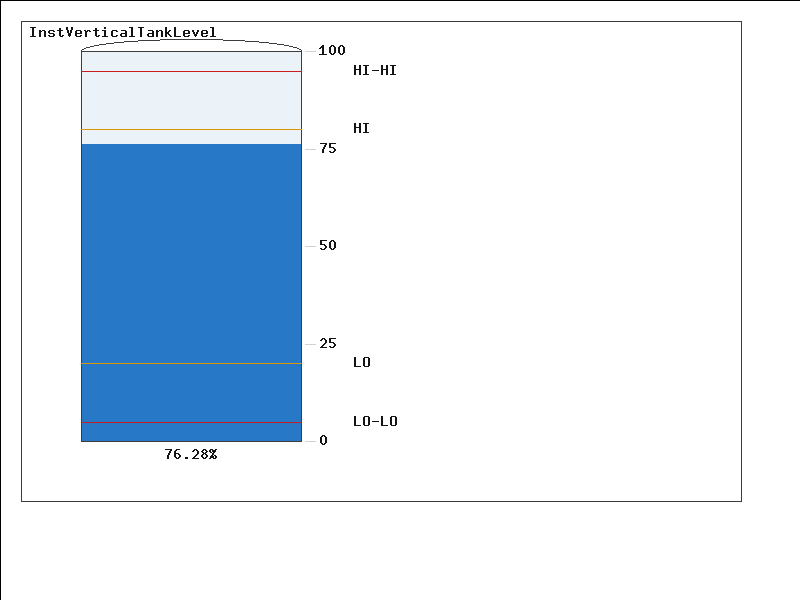
Upright cylindrical tank, fill rises from the bottom, percent readout, hi-hi / hi / lo / lo-lo alarm markers on the right of the tank.
API: set_level(double) / get_level(), set_alarm_bands(InstAlarmBands) / alarm_bands(), set_text(), set_on_click(), set_bounds(), contains(), set_visible() / get_visible(), set_enabled() / get_enabled(), draw(), on_button_press() / on_button_release() / on_motion() / on_key().
InstVerticalTankLevel tank(display, screen, window, gc, &styles, 20, 20, 360, 240, 62.5);
tank.set_level(75.0);
tank.set_alarm_bands(xframe::InstAlarmBands{95.0, 80.0, 20.0, 5.0});
tank.draw();
InstHorizontalTankLevel
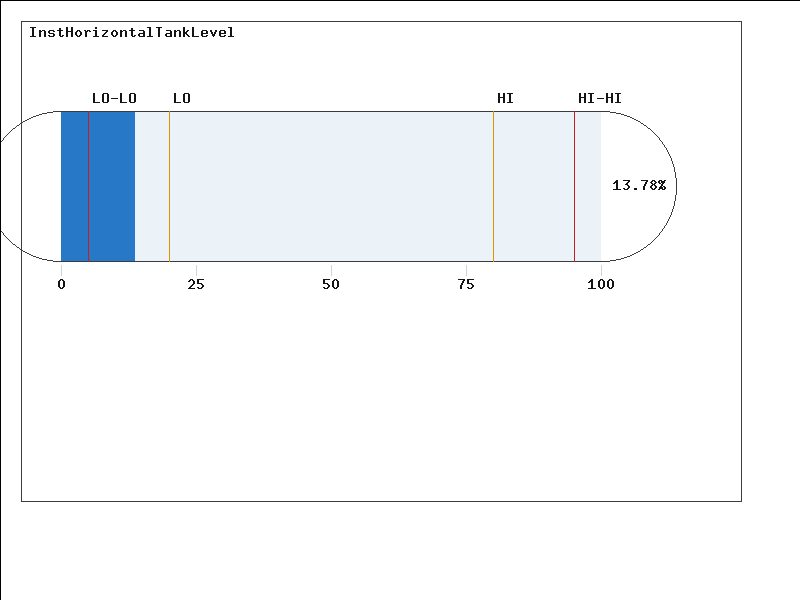
Horizontal bullet tank, fill by cross-section width, percent readout, hi-hi / hi / lo / lo-lo alarm markers as vertical lines across the tank.
API: set_level(double) / get_level(), set_alarm_bands(InstAlarmBands) / alarm_bands(), set_text(), set_on_click(), set_bounds(), contains(), set_visible() / get_visible(), set_enabled() / get_enabled(), draw(), on_button_press() / on_button_release() / on_motion() / on_key().
InstHorizontalTankLevel tank(display, screen, window, gc, &styles, 20, 20, 360, 240, 40.0);
tank.set_level(55.0);
tank.draw();
InstSphericalTankLevel
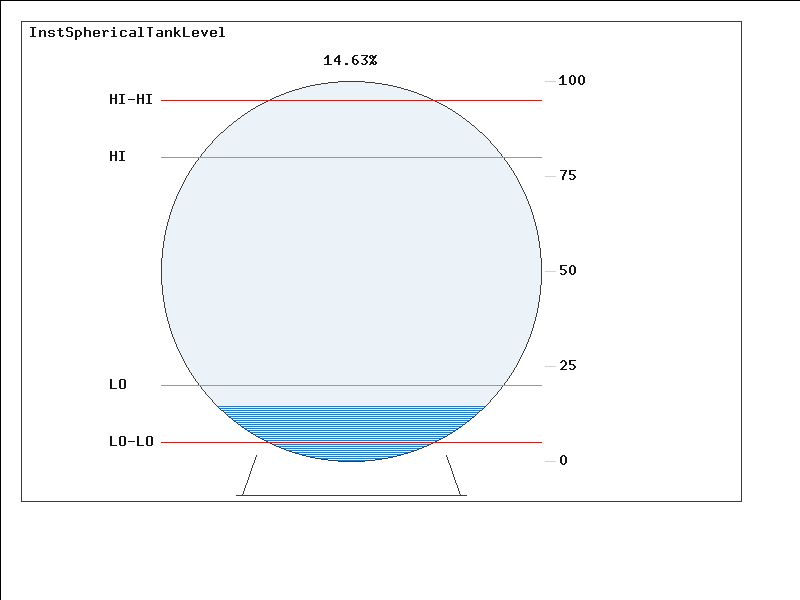
Sphere tank on legs, fill by volume height, percent readout, hi-hi / hi / lo / lo-lo alarm markers.
API: set_level(double) / get_level(), set_alarm_bands(InstAlarmBands) / alarm_bands(), set_text(), set_on_click(), set_bounds(), contains(), set_visible() / get_visible(), set_enabled() / get_enabled(), draw(), on_button_press() / on_button_release() / on_motion() / on_key().
InstSphericalTankLevel tank(display, screen, window, gc, &styles, 20, 20, 360, 240, 68.0);
tank.set_level(68.0);
tank.draw();
InstSightGlassLevel
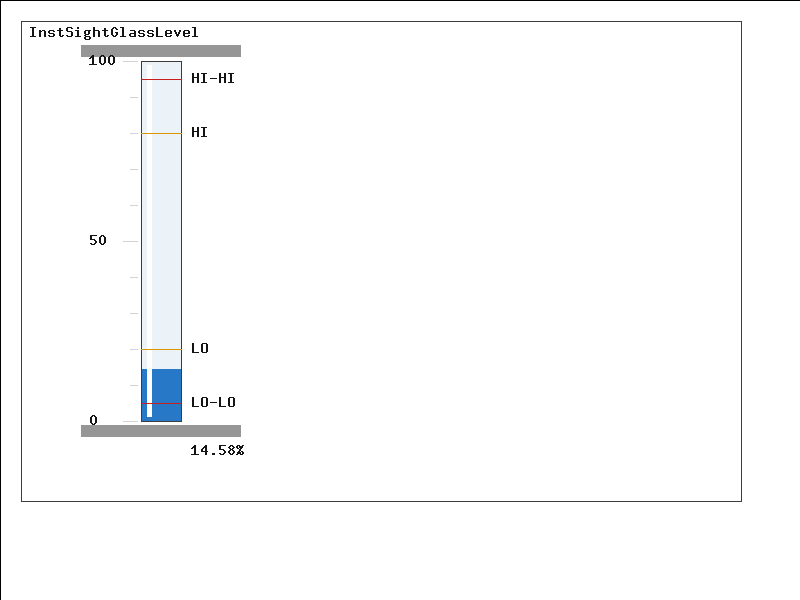
Glass tube with liquid column, scale marks every 10% (labelled every 25%), top/bottom pipe connections, percent readout, hi-hi / hi / lo / lo-lo alarm markers.
API: set_level(double) / get_level(), set_alarm_bands(InstAlarmBands) / alarm_bands(), set_text(), set_on_click(), set_bounds(), contains(), set_visible() / get_visible(), set_enabled() / get_enabled(), draw(), on_button_press() / on_button_release() / on_motion() / on_key().
InstSightGlassLevel gauge(display, screen, window, gc, &styles, 20, 20, 360, 240, 33.0);
gauge.set_level(33.0);
gauge.draw();
InstLevelColumnGauge
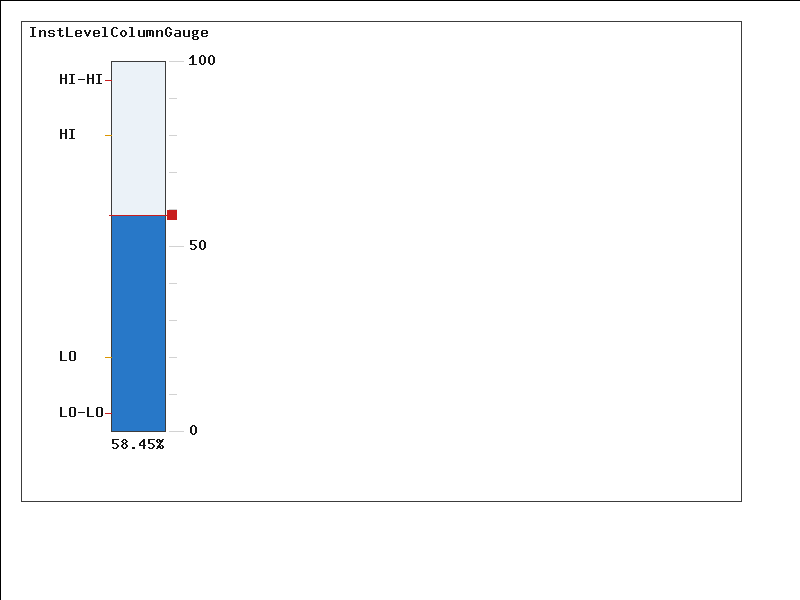
Vertical column gauge with scale and a float marker (red bar) at the level, percent readout, hi-hi / hi / lo / lo-lo alarm markers.
API: set_level(double) / get_level(), set_alarm_bands(InstAlarmBands) / alarm_bands(), set_text(), set_on_click(), set_bounds(), contains(), set_visible() / get_visible(), set_enabled() / get_enabled(), draw(), on_button_press() / on_button_release() / on_motion() / on_key().
InstLevelColumnGauge gauge(display, screen, window, gc, &styles, 20, 20, 360, 240, 47.0);
gauge.set_level(47.0);
gauge.draw();
InstTankLevelAlarms
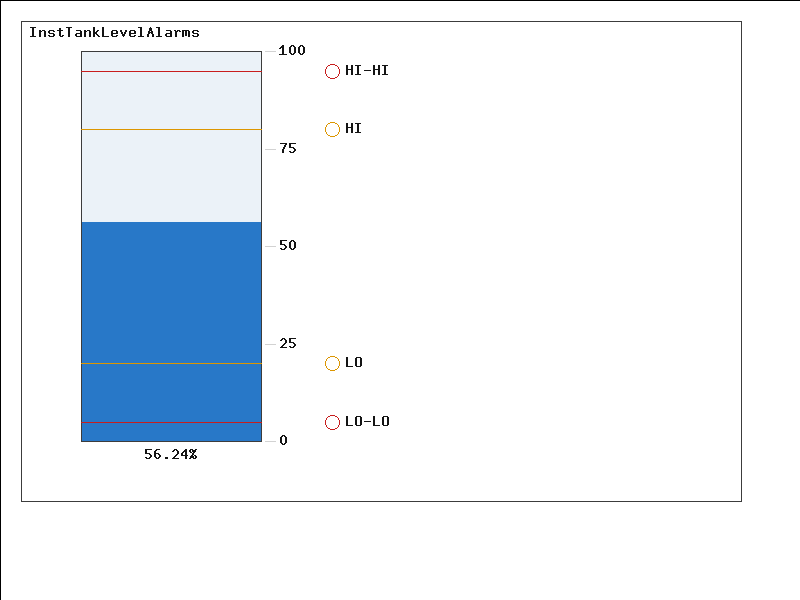
Tank with hi-hi / hi / lo / lo-lo alarm bands and lamps: the red HI-HI lamp lights when the level reaches hi-hi, amber HI at hi, amber LO at or below lo, red LO-LO at or below lo-lo.
API: set_level(double) / get_level(), set_alarm_bands(InstAlarmBands) / alarm_bands(), set_text(), set_on_click(), set_bounds(), contains(), set_visible() / get_visible(), set_enabled() / get_enabled(), draw(), on_button_press() / on_button_release() / on_motion() / on_key().
InstTankLevelAlarms tank(display, screen, window, gc, &styles, 20, 20, 360, 240, 97.0);
tank.set_level(97.0);
tank.draw();
InstOpenChannelLevel
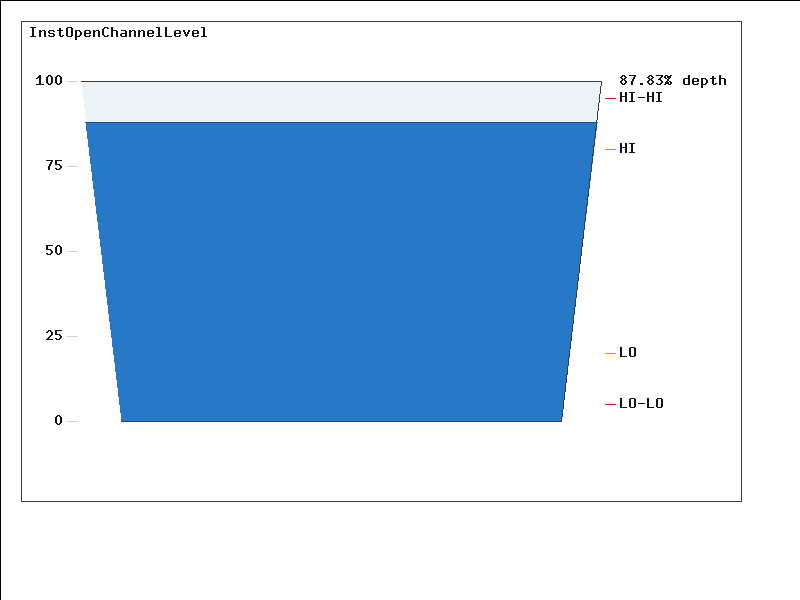
Open reservoir / channel with waterline and depth scale, percent depth readout, hi-hi / hi / lo / lo-lo alarm markers.
API: set_level(double) / get_level(), set_alarm_bands(InstAlarmBands) / alarm_bands(), set_text(), set_on_click(), set_bounds(), contains(), set_visible() / get_visible(), set_enabled() / get_enabled(), draw(), on_button_press() / on_button_release() / on_motion() / on_key().
InstOpenChannelLevel channel(display, screen, window, gc, &styles, 20, 20, 360, 240, 58.0);
channel.set_level(58.0);
channel.draw();
InstLevelTransmitter
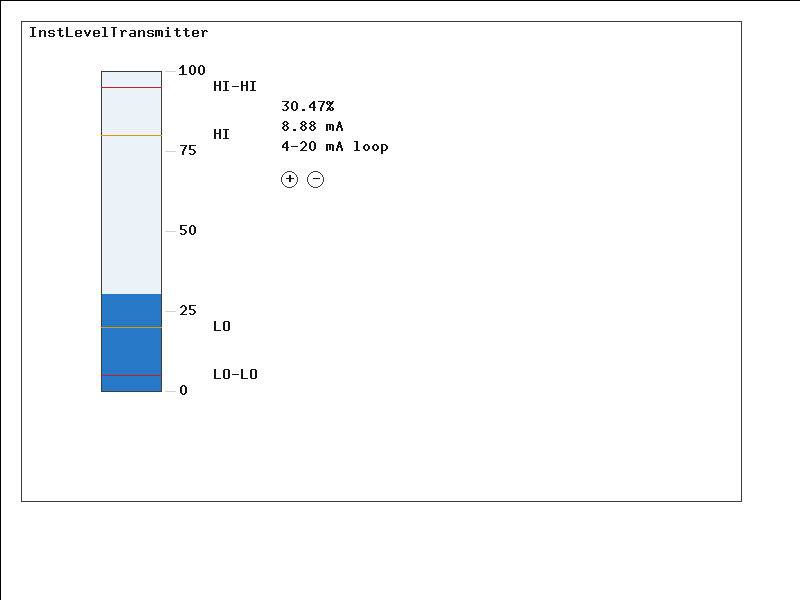
4–20 mA loop indicator: level bar, mA value (4 mA at 0%, 20 mA at 100%), percent readout, loop terminals, hi-hi / hi / lo / lo-lo alarm markers.
API: set_level(double) / get_level(), set_alarm_bands(InstAlarmBands) / alarm_bands(), set_text(), set_on_click(), set_bounds(), contains(), set_visible() / get_visible(), set_enabled() / get_enabled(), draw(), on_button_press() / on_button_release() / on_motion() / on_key().
InstLevelTransmitter tx(display, screen, window, gc, &styles, 20, 20, 360, 240, 62.5);
tx.set_level(62.5);
double pct = tx.get_level();
double ma = 4.0 + 16.0 * pct / 100.0;
bool loop_ok = (ma >= 4.0 && ma <= 20.0);
tx.set_enabled(loop_ok);
tx.draw();
Group B — Switches (12 widgets)
12 switch widgets for the XFrame Instrumentation section. Every switch really toggles: a click flips the state and the widget redraws in the new position. State is observable via is_on() and get_state() (returning xframe::InstSwitchState: Off, On, Tripped), and every widget exposes an on_click callback fired on each state change. Style: standard XFrame hand-drawn widget style, no photorealism. Attribution: XFrame.
Shared types live in widgets/components/InstData.h.
InstRockerSwitch
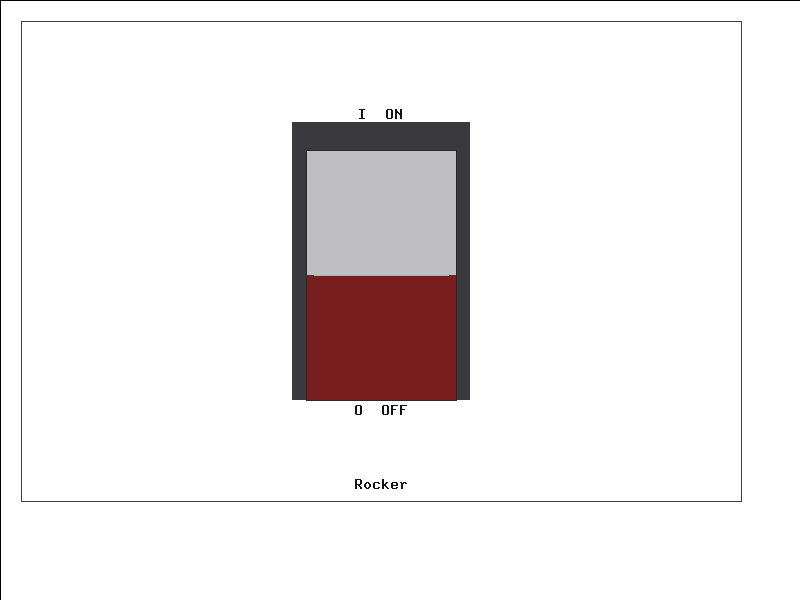
SPST rocker switch: up is on, down is off. Click flips it and it redraws tilted the other way.
API: is_on(), get_state() -> InstSwitchState, toggle(), set_on(bool), on_click callback.
#include "InstRockerSwitch.h"

int main()
{
    Display* display = XOpenDisplay(nullptr);
    if (!display) return 1;
    int screen = DefaultScreen(display);
    Window window = XCreateSimpleWindow(display, RootWindow(display, screen), 100, 100, 800, 600, 1,
                                        BlackPixel(display, screen), WhitePixel(display, screen));
    XMapWindow(display, window);
    GC gc = DefaultGC(display, screen);
    SStyle_Manager styles(display, window, screen, gc);
    styles.add_style_ex("default", Srgb{225, 225, 225}, Srgb{120, 120, 120}, Srgb{60, 60, 60}, Srgb{20, 20, 20}, 6, 1, "-misc-fixed-medium-r-normal--13-*");
    styles.set_active_style_byName("default");
    InstRockerSwitch sw(display, screen, window, gc, &styles, 20, 20, 720, 480);
    sw.on_click = []() { std::printf("rocker toggled\n"); };
    sw.set_on(true);
    std::printf("on=%d state=%d\n", (int)sw.is_on(), (int)sw.get_state());
    sw.draw();
    XCloseDisplay(display);
    return 0;
}
InstRockerSwitchIlluminated
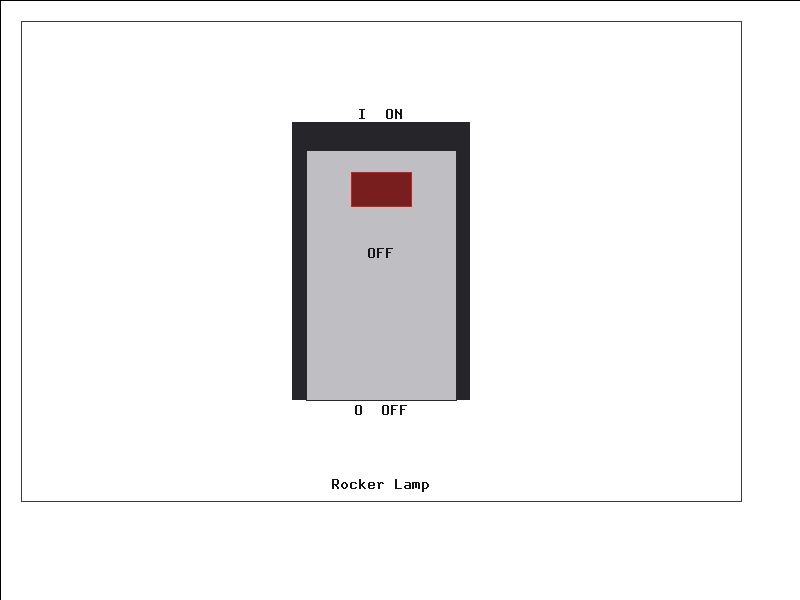
Rocker switch with a lens that lights green when on and dim red when off.
API: is_on(), get_state() -> InstSwitchState, toggle(), set_on(bool), on_click callback. Lens: green lit when on, dim red when off.
#include "InstRockerSwitchIlluminated.h"

int main()
{
    Display* display = XOpenDisplay(nullptr);
    if (!display) return 1;
    int screen = DefaultScreen(display);
    Window window = XCreateSimpleWindow(display, RootWindow(display, screen), 100, 100, 800, 600, 1,
                                        BlackPixel(display, screen), WhitePixel(display, screen));
    XMapWindow(display, window);
    GC gc = DefaultGC(display, screen);
    SStyle_Manager styles(display, window, screen, gc);
    styles.add_style_ex("default", Srgb{225, 225, 225}, Srgb{120, 120, 120}, Srgb{60, 60, 60}, Srgb{20, 20, 20}, 6, 1, "-misc-fixed-medium-r-normal--13-*");
    styles.set_active_style_byName("default");
    InstRockerSwitchIlluminated sw(display, screen, window, gc, &styles, 20, 20, 720, 480);
    sw.on_click = []() { std::printf("illuminated rocker toggled\n"); };
    sw.set_on(true);
    std::printf("on=%d state=%d\n", (int)sw.is_on(), (int)sw.get_state());
    sw.draw();
    XCloseDisplay(display);
    return 0;
}
InstRockerSwitchDouble
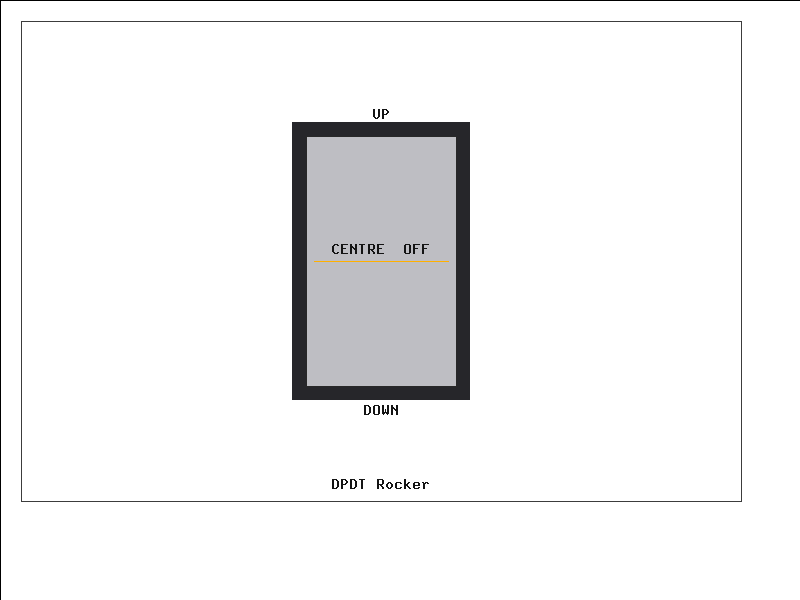
DPDT centre-off rocker: click the top half for up/on, the bottom half for down, the same half again (or the middle) for centre/off.
API: is_on(), get_state() -> InstSwitchState (On = up, Off = centre, Tripped = down), get_position() (-1/0/+1), set_position(int), on_click callback.
#include "InstRockerSwitchDouble.h"

int main()
{
    Display* display = XOpenDisplay(nullptr);
    if (!display) return 1;
    int screen = DefaultScreen(display);
    Window window = XCreateSimpleWindow(display, RootWindow(display, screen), 100, 100, 800, 600, 1,
                                        BlackPixel(display, screen), WhitePixel(display, screen));
    XMapWindow(display, window);
    GC gc = DefaultGC(display, screen);
    SStyle_Manager styles(display, window, screen, gc);
    styles.add_style_ex("default", Srgb{225, 225, 225}, Srgb{120, 120, 120}, Srgb{60, 60, 60}, Srgb{20, 20, 20}, 6, 1, "-misc-fixed-medium-r-normal--13-*");
    styles.set_active_style_byName("default");
    InstRockerSwitchDouble sw(display, screen, window, gc, &styles, 20, 20, 720, 480);
    sw.set_position(1);
    std::printf("pos=%d on=%d state=%d\n", sw.get_position(), (int)sw.is_on(), (int)sw.get_state());
    sw.set_position(-1);
    std::printf("pos=%d on=%d state=%d\n", sw.get_position(), (int)sw.is_on(), (int)sw.get_state());
    sw.draw();
    XCloseDisplay(display);
    return 0;
}
InstToggleSwitch
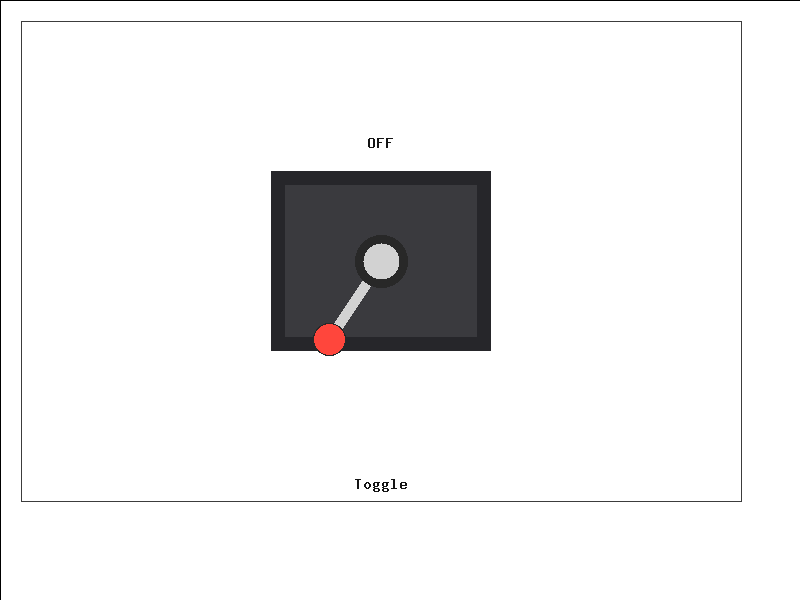
Bat-lever toggle switch: lever points up when on, down when off.
API: is_on(), get_state() -> InstSwitchState, toggle(), set_on(bool), on_click callback.
#include "InstToggleSwitch.h"

int main()
{
    Display* display = XOpenDisplay(nullptr);
    if (!display) return 1;
    int screen = DefaultScreen(display);
    Window window = XCreateSimpleWindow(display, RootWindow(display, screen), 100, 100, 800, 600, 1,
                                        BlackPixel(display, screen), WhitePixel(display, screen));
    XMapWindow(display, window);
    GC gc = DefaultGC(display, screen);
    SStyle_Manager styles(display, window, screen, gc);
    styles.add_style_ex("default", Srgb{225, 225, 225}, Srgb{120, 120, 120}, Srgb{60, 60, 60}, Srgb{20, 20, 20}, 6, 1, "-misc-fixed-medium-r-normal--13-*");
    styles.set_active_style_byName("default");
    InstToggleSwitch sw(display, screen, window, gc, &styles, 20, 20, 720, 480);
    sw.toggle();
    std::printf("on=%d state=%d\n", (int)sw.is_on(), (int)sw.get_state());
    sw.draw();
    XCloseDisplay(display);
    return 0;
}
InstToggleSwitchIlluminated
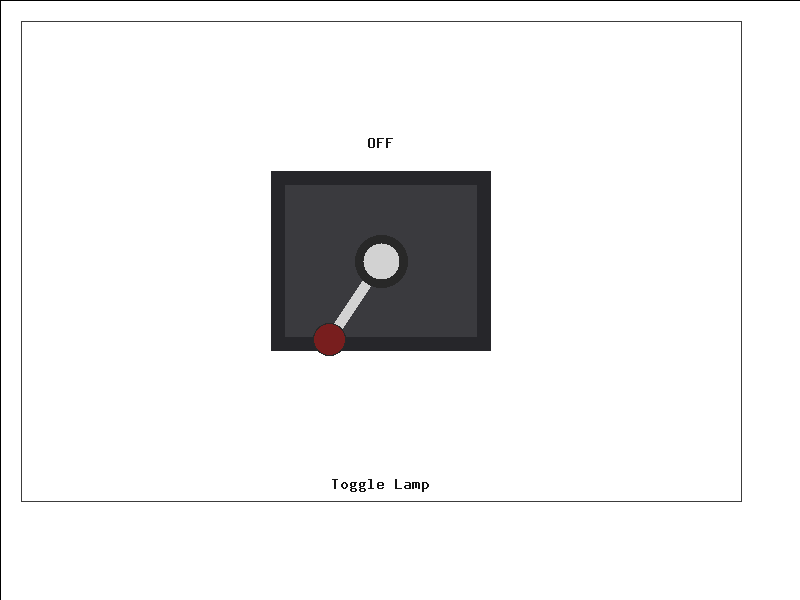
Bat-lever toggle with an illuminated tip: the tip glows green when on.
API: is_on(), get_state() -> InstSwitchState, toggle(), set_on(bool), on_click callback. Tip glows green when on.
#include "InstToggleSwitchIlluminated.h"

int main()
{
    Display* display = XOpenDisplay(nullptr);
    if (!display) return 1;
    int screen = DefaultScreen(display);
    Window window = XCreateSimpleWindow(display, RootWindow(display, screen), 100, 100, 800, 600, 1,
                                        BlackPixel(display, screen), WhitePixel(display, screen));
    XMapWindow(display, window);
    GC gc = DefaultGC(display, screen);
    SStyle_Manager styles(display, window, screen, gc);
    styles.add_style_ex("default", Srgb{225, 225, 225}, Srgb{120, 120, 120}, Srgb{60, 60, 60}, Srgb{20, 20, 20}, 6, 1, "-misc-fixed-medium-r-normal--13-*");
    styles.set_active_style_byName("default");
    InstToggleSwitchIlluminated sw(display, screen, window, gc, &styles, 20, 20, 720, 480);
    sw.toggle();
    std::printf("on=%d state=%d\n", (int)sw.is_on(), (int)sw.get_state());
    sw.draw();
    XCloseDisplay(display);
    return 0;
}
InstPushButton
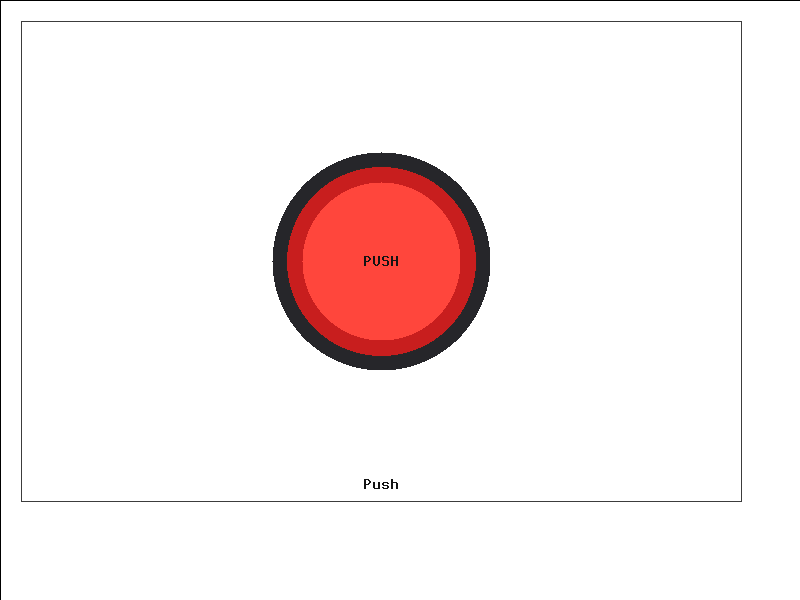
Momentary push button: on only while held down, off on release.
API: is_on(), get_state() -> InstSwitchState. On only while the button is held; release turns it off. on_click fires on press.
#include "InstPushButton.h"

int main()
{
    Display* display = XOpenDisplay(nullptr);
    if (!display) return 1;
    int screen = DefaultScreen(display);
    Window window = XCreateSimpleWindow(display, RootWindow(display, screen), 100, 100, 800, 600, 1,
                                        BlackPixel(display, screen), WhitePixel(display, screen));
    XMapWindow(display, window);
    GC gc = DefaultGC(display, screen);
    SStyle_Manager styles(display, window, screen, gc);
    styles.add_style_ex("default", Srgb{225, 225, 225}, Srgb{120, 120, 120}, Srgb{60, 60, 60}, Srgb{20, 20, 20}, 6, 1, "-misc-fixed-medium-r-normal--13-*");
    styles.set_active_style_byName("default");
    InstPushButton sw(display, screen, window, gc, &styles, 20, 20, 720, 480);
    sw.on_button_press(380, 260, 1);
    std::printf("held on=%d\n", (int)sw.is_on());
    sw.on_button_release(380, 260, 1);
    std::printf("released on=%d\n", (int)sw.is_on());
    sw.draw();
    XCloseDisplay(display);
    return 0;
}
InstPushButtonLatching
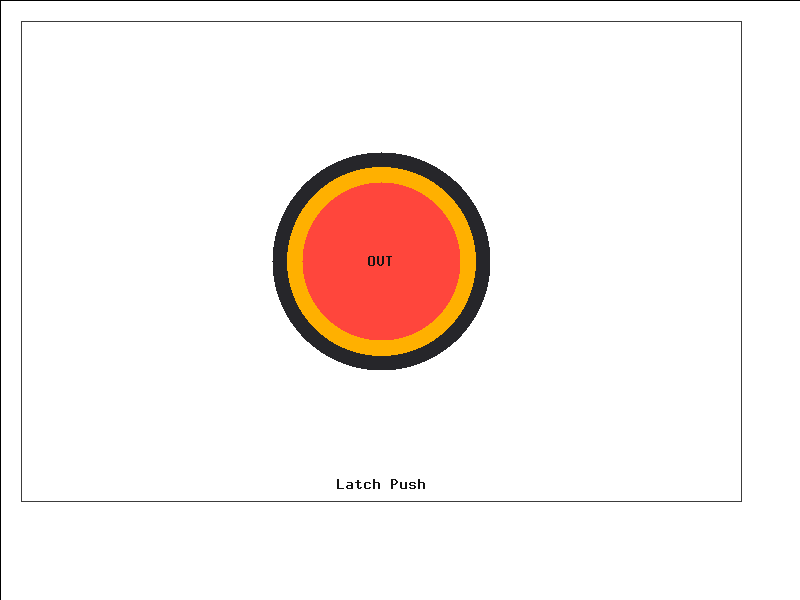
Latching push button: click once and it stays in (on), click again and it pops out (off).
API: is_on(), get_state() -> InstSwitchState, toggle(), set_on(bool), on_click callback. Drawn depressed with a green ring while latched in.
#include "InstPushButtonLatching.h"

int main()
{
    Display* display = XOpenDisplay(nullptr);
    if (!display) return 1;
    int screen = DefaultScreen(display);
    Window window = XCreateSimpleWindow(display, RootWindow(display, screen), 100, 100, 800, 600, 1,
                                        BlackPixel(display, screen), WhitePixel(display, screen));
    XMapWindow(display, window);
    GC gc = DefaultGC(display, screen);
    SStyle_Manager styles(display, window, screen, gc);
    styles.add_style_ex("default", Srgb{225, 225, 225}, Srgb{120, 120, 120}, Srgb{60, 60, 60}, Srgb{20, 20, 20}, 6, 1, "-misc-fixed-medium-r-normal--13-*");
    styles.set_active_style_byName("default");
    InstPushButtonLatching sw(display, screen, window, gc, &styles, 20, 20, 720, 480);
    sw.toggle();
    std::printf("latched on=%d state=%d\n", (int)sw.is_on(), (int)sw.get_state());
    sw.toggle();
    std::printf("latched on=%d state=%d\n", (int)sw.is_on(), (int)sw.get_state());
    sw.draw();
    XCloseDisplay(display);
    return 0;
}
InstEmergencyStop
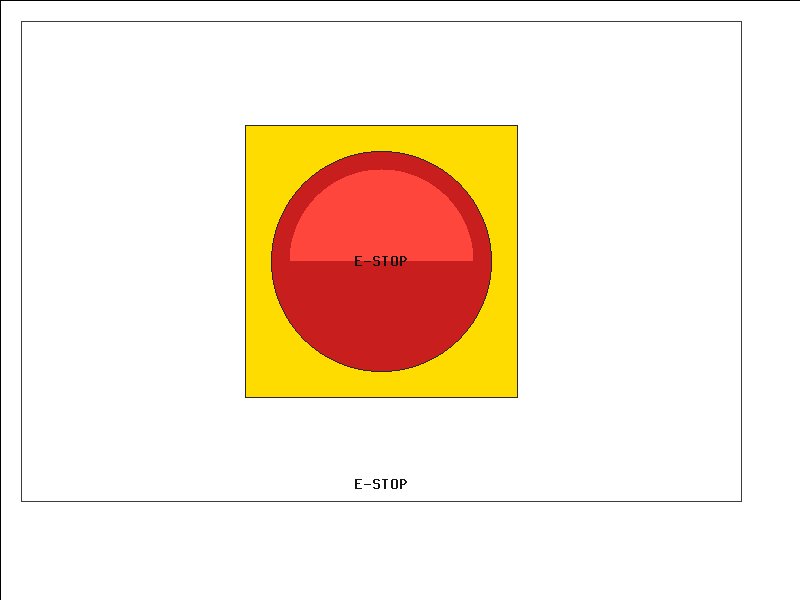
Mushroom emergency stop: press once and it latches in (stopped). A second press does nothing; twist (right-click) or the R key resets it.
API: is_on(), get_state() -> InstSwitchState (Tripped = latched/stopped), reset(), on_click callback. Press latches; right-click or R resets.
#include "InstEmergencyStop.h"

int main()
{
    Display* display = XOpenDisplay(nullptr);
    if (!display) return 1;
    int screen = DefaultScreen(display);
    Window window = XCreateSimpleWindow(display, RootWindow(display, screen), 100, 100, 800, 600, 1,
                                        BlackPixel(display, screen), WhitePixel(display, screen));
    XMapWindow(display, window);
    GC gc = DefaultGC(display, screen);
    SStyle_Manager styles(display, window, screen, gc);
    styles.add_style_ex("default", Srgb{225, 225, 225}, Srgb{120, 120, 120}, Srgb{60, 60, 60}, Srgb{20, 20, 20}, 6, 1, "-misc-fixed-medium-r-normal--13-*");
    styles.set_active_style_byName("default");
    InstEmergencyStop sw(display, screen, window, gc, &styles, 20, 20, 720, 480);
    sw.on_button_press(380, 260, 1);
    std::printf("stopped=%d state=%d\n", (int)sw.is_on(), (int)sw.get_state());
    sw.reset();
    std::printf("after reset stopped=%d\n", (int)sw.is_on());
    sw.draw();
    XCloseDisplay(display);
    return 0;
}
InstRotarySelector
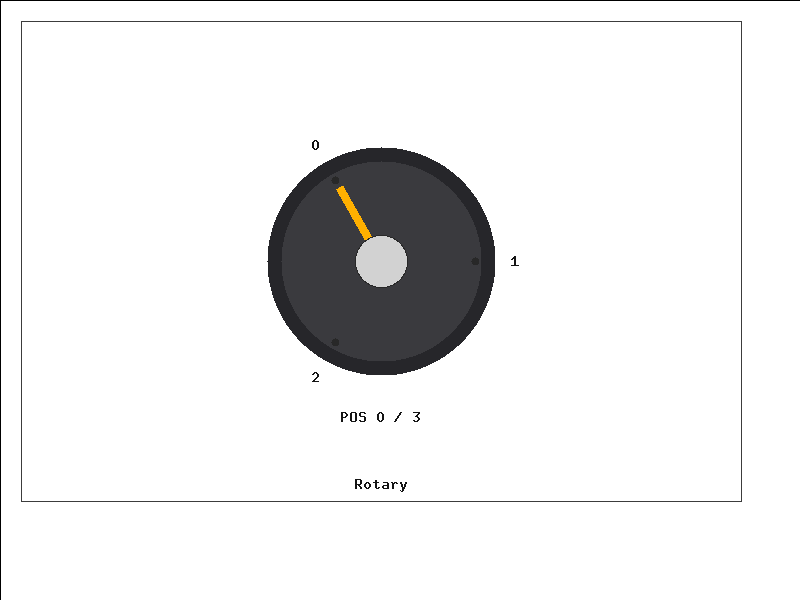
Rotary selector switch with 2, 3 or 4 positions and a pointer. Click (or Space) advances to the next position.
API: get_position(), get_positions(), set_positions(2..4), set_position(int), is_on() (position > 0), get_state(), on_click callback.
#include "InstRotarySelector.h"

int main()
{
    Display* display = XOpenDisplay(nullptr);
    if (!display) return 1;
    int screen = DefaultScreen(display);
    Window window = XCreateSimpleWindow(display, RootWindow(display, screen), 100, 100, 800, 600, 1,
                                        BlackPixel(display, screen), WhitePixel(display, screen));
    XMapWindow(display, window);
    GC gc = DefaultGC(display, screen);
    SStyle_Manager styles(display, window, screen, gc);
    styles.add_style_ex("default", Srgb{225, 225, 225}, Srgb{120, 120, 120}, Srgb{60, 60, 60}, Srgb{20, 20, 20}, 6, 1, "-misc-fixed-medium-r-normal--13-*");
    styles.set_active_style_byName("default");
    InstRotarySelector sw(display, screen, window, gc, &styles, 20, 20, 720, 480);
    sw.set_positions(4);
    sw.set_position(2);
    std::printf("pos=%d of %d on=%d\n", sw.get_position(), sw.get_positions(), (int)sw.is_on());
    sw.draw();
    XCloseDisplay(display);
    return 0;
}
InstKeySwitch
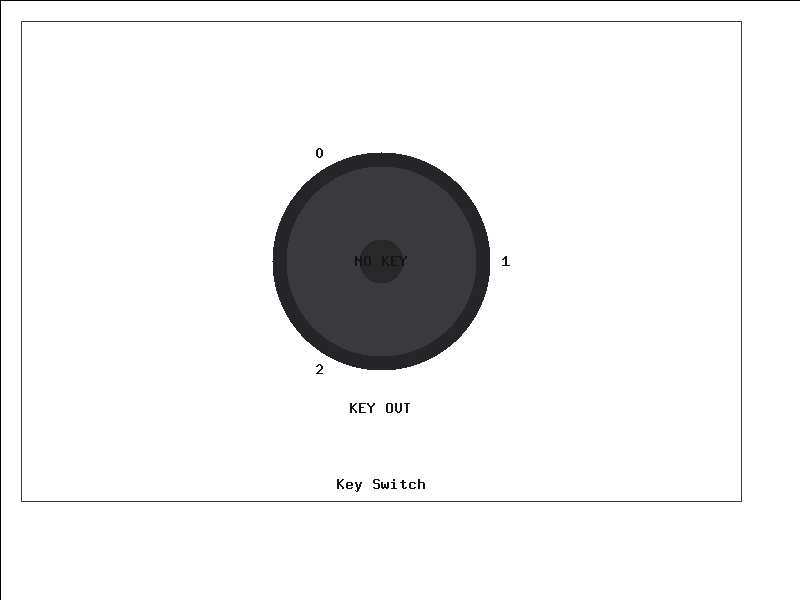
Key-operated selector: click inserts the key, further clicks move through the positions, K removes the key (position resets to 0).
API: get_key_in(), set_key_in(bool), get_position(), get_positions(), set_positions(2..4), is_on() (key in and position > 0), get_state(), on_click callback.
#include "InstKeySwitch.h"

int main()
{
    Display* display = XOpenDisplay(nullptr);
    if (!display) return 1;
    int screen = DefaultScreen(display);
    Window window = XCreateSimpleWindow(display, RootWindow(display, screen), 100, 100, 800, 600, 1,
                                        BlackPixel(display, screen), WhitePixel(display, screen));
    XMapWindow(display, window);
    GC gc = DefaultGC(display, screen);
    SStyle_Manager styles(display, window, screen, gc);
    styles.add_style_ex("default", Srgb{225, 225, 225}, Srgb{120, 120, 120}, Srgb{60, 60, 60}, Srgb{20, 20, 20}, 6, 1, "-misc-fixed-medium-r-normal--13-*");
    styles.set_active_style_byName("default");
    InstKeySwitch sw(display, screen, window, gc, &styles, 20, 20, 720, 480);
    sw.set_key_in(true);
    sw.on_button_press(380, 260, 1);
    std::printf("key_in=%d pos=%d on=%d\n", (int)sw.get_key_in(), sw.get_position(), (int)sw.is_on());
    sw.draw();
    XCloseDisplay(display);
    return 0;
}
InstSlideSwitch
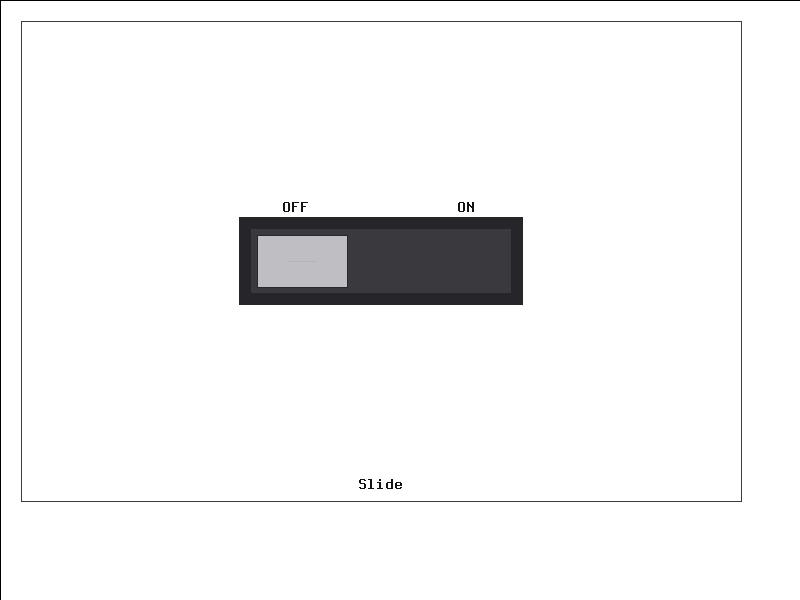
Slide switch: knob left is off, right is on. Click toggles; drag the knob across.
API: is_on(), get_state() -> InstSwitchState, toggle(), set_on(bool), on_click callback. Drag the knob or click to flip.
#include "InstSlideSwitch.h"

int main()
{
    Display* display = XOpenDisplay(nullptr);
    if (!display) return 1;
    int screen = DefaultScreen(display);
    Window window = XCreateSimpleWindow(display, RootWindow(display, screen), 100, 100, 800, 600, 1,
                                        BlackPixel(display, screen), WhitePixel(display, screen));
    XMapWindow(display, window);
    GC gc = DefaultGC(display, screen);
    SStyle_Manager styles(display, window, screen, gc);
    styles.add_style_ex("default", Srgb{225, 225, 225}, Srgb{120, 120, 120}, Srgb{60, 60, 60}, Srgb{20, 20, 20}, 6, 1, "-misc-fixed-medium-r-normal--13-*");
    styles.set_active_style_byName("default");
    InstSlideSwitch sw(display, screen, window, gc, &styles, 20, 20, 720, 480);
    sw.toggle();
    std::printf("on=%d state=%d\n", (int)sw.is_on(), (int)sw.get_state());
    sw.draw();
    XCloseDisplay(display);
    return 0;
}
InstCircuitBreaker
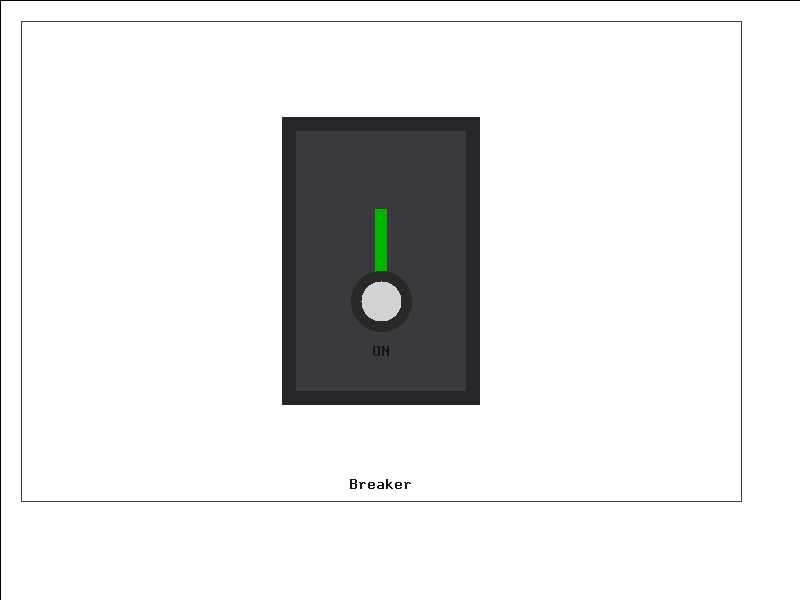
Circuit breaker: handle up is on, down is off, mid-position with a red TRIPPED flag is the fault state. Click toggles on/off; trip() simulates a fault.
API: is_on(), get_state() -> InstSwitchState (On/Off/Tripped), trip(), reset(), on_click callback. Click toggles On/Off and resets from Tripped.
#include "InstCircuitBreaker.h"

int main()
{
    Display* display = XOpenDisplay(nullptr);
    if (!display) return 1;
    int screen = DefaultScreen(display);
    Window window = XCreateSimpleWindow(display, RootWindow(display, screen), 100, 100, 800, 600, 1,
                                        BlackPixel(display, screen), WhitePixel(display, screen));
    XMapWindow(display, window);
    GC gc = DefaultGC(display, screen);
    SStyle_Manager styles(display, window, screen, gc);
    styles.add_style_ex("default", Srgb{225, 225, 225}, Srgb{120, 120, 120}, Srgb{60, 60, 60}, Srgb{20, 20, 20}, 6, 1, "-misc-fixed-medium-r-normal--13-*");
    styles.set_active_style_byName("default");
    InstCircuitBreaker sw(display, screen, window, gc, &styles, 20, 20, 720, 480);
    sw.trip();
    std::printf("tripped state=%d on=%d\n", (int)sw.get_state(), (int)sw.is_on());
    sw.reset();
    std::printf("after reset state=%d\n", (int)sw.get_state());
    sw.draw();
    XCloseDisplay(display);
    return 0;
}
Group C — Illuminators & Status LEDs (12 widgets)
Twelve widgets in widgets/components/, one per directory. Each directory contains exactly <Name>.h, main_<Name>.cpp, CMakeLists.txt, and core/xframe_core.h (byte-identical to widgets/core/xframe_core.h). Attribution: XFrame.
Every lamp and LED is an independent illuminator: its own on/off plus brightness 0–100, with the state observable (is_on(), get_brightness()). They share the types in widgets/components/InstData.h (included as #include "../InstData.h"): xframe::InstLamp {on, brightness}, xframe::InstRgb {red, green, blue}, and inst_clamp_level(). Style is the standard XFrame hand-drawn widget style — no photorealism, no photo textures. Click (or Space when focused) toggles a lamp; moving the mouse over a widget draws a hover outline.
Common API (all twelve)
Constructor (all widgets):
Name(Display* display, int screen, Window window, GC gc,
     SStyle_Manager* styles, int x, int y, int width, int height);
Key methods, identical on every widget:
void draw()— bezel/lens (or tiers/dome/button) plus label; hover or focus draws an outline.bool on_button_press(int x, int y, unsigned int button),bool on_button_release(int x, int y, unsigned int button),bool on_motion(int x, int y)— press toggles (or holds, for the lamp-test button); motion tracks hover.bool on_key(KeySym key, const char* str)— only when focused: Space toggles (momentary press/release for the lamp-test button); the RGB LED also takesr/g/b, the stack light1/2/3, the beaconf.void set_bounds(...),width(),height(),contains(x, y),set_visible/get_visible,set_enabled/get_enabled,set_style_name,set_text/get_text,style().std::function<void()> on_click— called whenever the widget is toggled by click or Space.
Build one widget (from the repo root, on the server):
cmake -S widgets/components/InstPanelLampRed -B /tmp/b-lampred -DCMAKE_CXX_FLAGS="-Wall -Wextra"
cmake --build /tmp/b-lampred   # 0 warnings
Tests: python3 widgets/tests/test_inst_lamps.py builds all twelve with -Wall -Wextra, runs each demo under Xvfb :77 and checks build / draw (non-blank screenshot) / hover / click / key (process survives) / clean exit via WM_DELETE_WINDOW, runs the C++ state harness (widgets/tests/test_inst_lamps_state.cpp, which hashes drawn pixels to prove on/off and brightness change the picture, and that the RGB LED's 8 channel combinations are all distinct), and verifies every code example in this document compiles. Result: see the driver run output (12/12 widgets fully PASS, 0 warnings, driver exit 0).
InstPanelLampRed
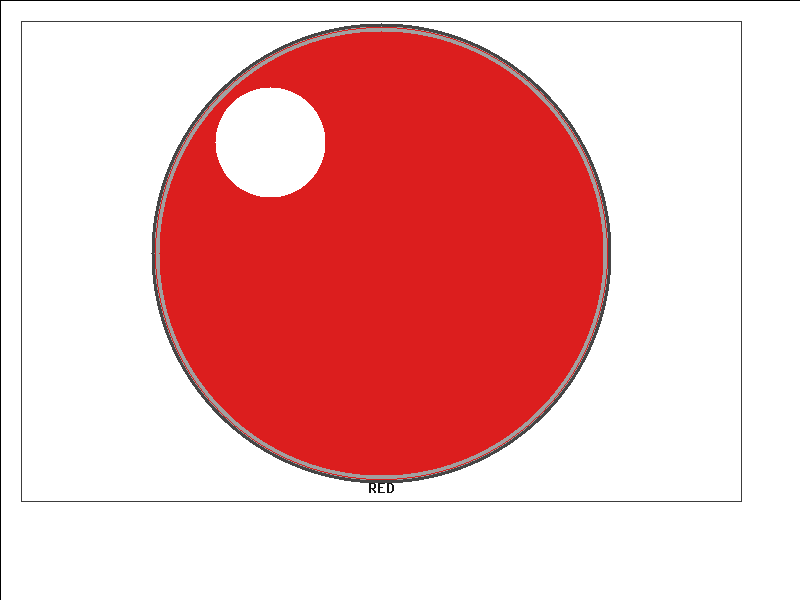
Round bezel panel lamp, red. The lens is a dim red tint when off and bright red when on, brighter with brightness; a highlight and glow ring appear at high brightness.
void set_on(bool on)/bool is_on() const/void toggle()— the lamp state.void set_brightness(int b)/int get_brightness() const— 0–100, clamped; the lens brightens with brightness (off is a dim tint).xframe::InstLamp lamp_state() const/void set_lamp(const xframe::InstLamp& s)— the whole illuminator state at once.- Click or Space toggles;
on_clickfires on every toggle.
#include "InstPanelLampRed.h"
InstPanelLampRed w(display, screen, window, gc, &styles, 20, 20, 720, 480);
w.set_on(true);
w.set_brightness(75);
w.draw();
// Click or Space toggles the lamp; w.is_on() / w.get_brightness() read it back.
InstPanelLampGreen
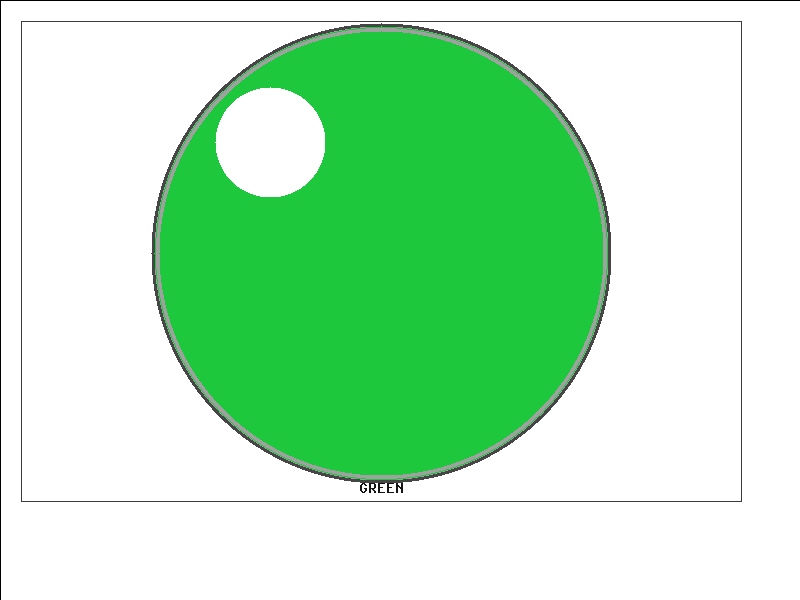
Round bezel panel lamp, green. Same behaviour as the red lamp, green lens.
void set_on(bool on)/bool is_on() const/void toggle()— the lamp state.void set_brightness(int b)/int get_brightness() const— 0–100, clamped; the lens brightens with brightness (off is a dim tint).xframe::InstLamp lamp_state() const/void set_lamp(const xframe::InstLamp& s)— the whole illuminator state at once.- Click or Space toggles;
on_clickfires on every toggle.
#include "InstPanelLampGreen.h"
InstPanelLampGreen w(display, screen, window, gc, &styles, 20, 20, 720, 480);
w.set_on(true);
w.set_brightness(75);
w.draw();
// Click or Space toggles the lamp; w.is_on() / w.get_brightness() read it back.
InstPanelLampAmber
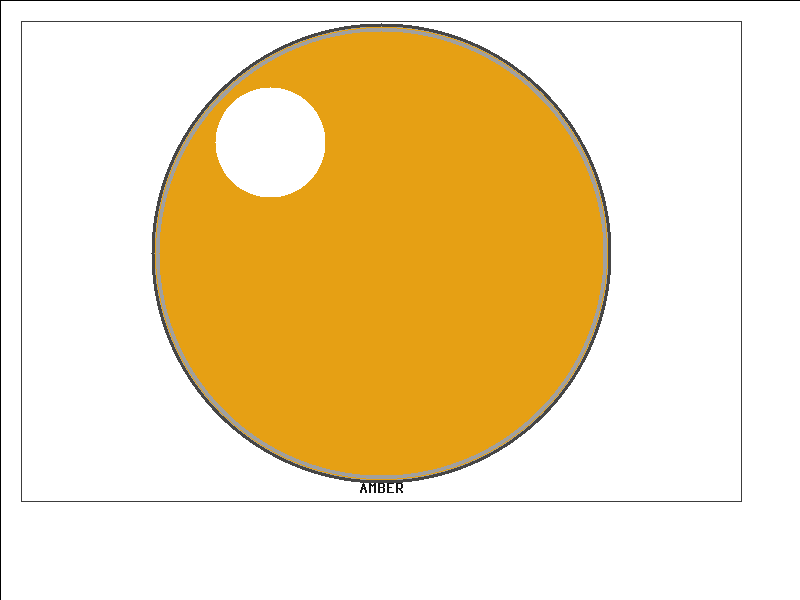
Round bezel panel lamp, amber. Same behaviour as the red lamp, amber lens.
void set_on(bool on)/bool is_on() const/void toggle()— the lamp state.void set_brightness(int b)/int get_brightness() const— 0–100, clamped; the lens brightens with brightness (off is a dim tint).xframe::InstLamp lamp_state() const/void set_lamp(const xframe::InstLamp& s)— the whole illuminator state at once.- Click or Space toggles;
on_clickfires on every toggle.
#include "InstPanelLampAmber.h"
InstPanelLampAmber w(display, screen, window, gc, &styles, 20, 20, 720, 480);
w.set_on(true);
w.set_brightness(75);
w.draw();
// Click or Space toggles the lamp; w.is_on() / w.get_brightness() read it back.
InstPanelLampBlue
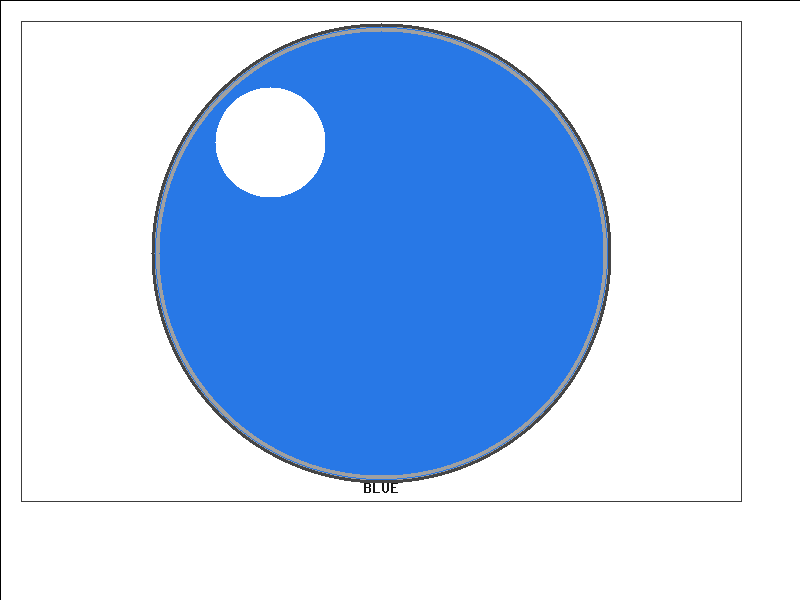
Round bezel panel lamp, blue. Same behaviour as the red lamp, blue lens.
void set_on(bool on)/bool is_on() const/void toggle()— the lamp state.void set_brightness(int b)/int get_brightness() const— 0–100, clamped; the lens brightens with brightness (off is a dim tint).xframe::InstLamp lamp_state() const/void set_lamp(const xframe::InstLamp& s)— the whole illuminator state at once.- Click or Space toggles;
on_clickfires on every toggle.
#include "InstPanelLampBlue.h"
InstPanelLampBlue w(display, screen, window, gc, &styles, 20, 20, 720, 480);
w.set_on(true);
w.set_brightness(75);
w.draw();
// Click or Space toggles the lamp; w.is_on() / w.get_brightness() read it back.
InstPanelLampWhite
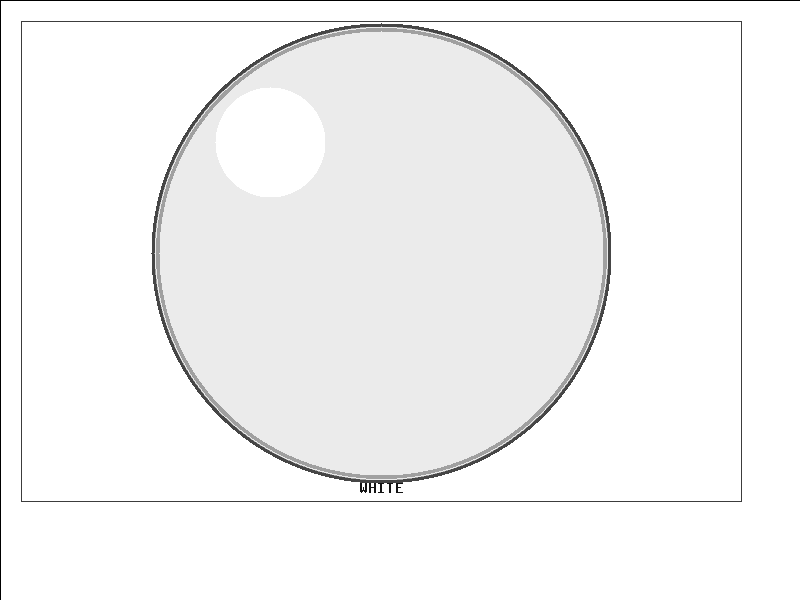
Round bezel panel lamp, white. Same behaviour as the red lamp, white lens.
void set_on(bool on)/bool is_on() const/void toggle()— the lamp state.void set_brightness(int b)/int get_brightness() const— 0–100, clamped; the lens brightens with brightness (off is a dim tint).xframe::InstLamp lamp_state() const/void set_lamp(const xframe::InstLamp& s)— the whole illuminator state at once.- Click or Space toggles;
on_clickfires on every toggle.
#include "InstPanelLampWhite.h"
InstPanelLampWhite w(display, screen, window, gc, &styles, 20, 20, 720, 480);
w.set_on(true);
w.set_brightness(75);
w.draw();
// Click or Space toggles the lamp; w.is_on() / w.get_brightness() read it back.
InstLedRed
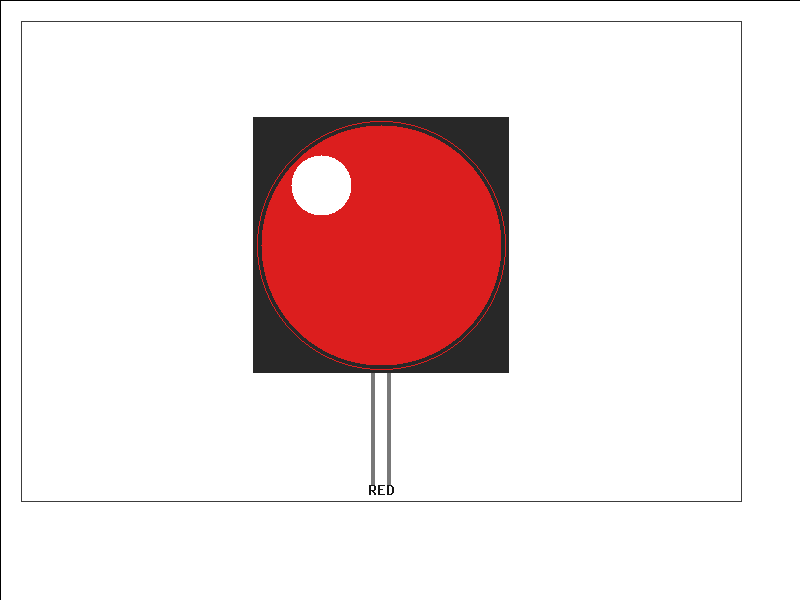
Single status LED, red: dark bezel block, domed lens, two leads. On/off + brightness like the panel lamps.
void set_on(bool on)/bool is_on() const/void toggle()— the lamp state.void set_brightness(int b)/int get_brightness() const— 0–100, clamped; the lens brightens with brightness (off is a dim tint).xframe::InstLamp lamp_state() const/void set_lamp(const xframe::InstLamp& s)— the whole illuminator state at once.- Click or Space toggles;
on_clickfires on every toggle.
#include "InstLedRed.h"
InstLedRed w(display, screen, window, gc, &styles, 20, 20, 720, 480);
w.set_on(true);
w.set_brightness(75);
w.draw();
// Click or Space toggles the lamp; w.is_on() / w.get_brightness() read it back.
InstLedGreen
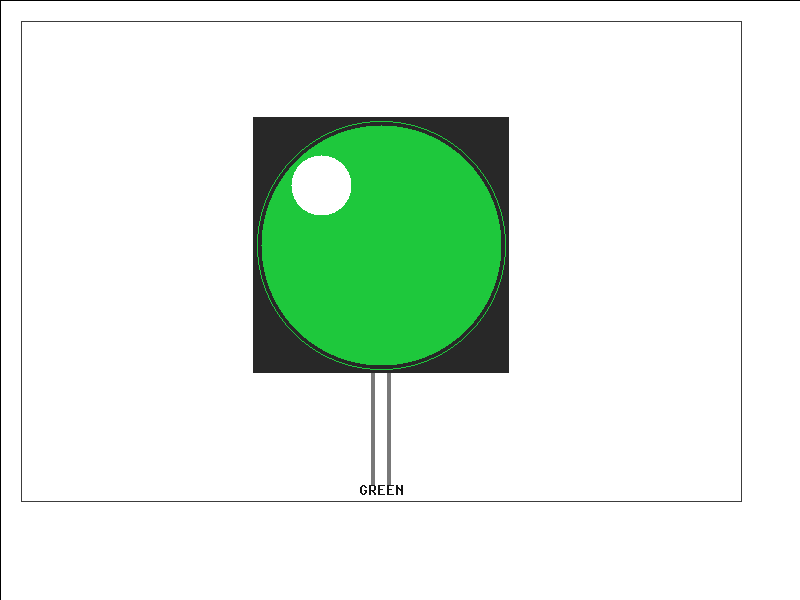
Single status LED, green: dark bezel block, domed lens, two leads. On/off + brightness like the panel lamps.
void set_on(bool on)/bool is_on() const/void toggle()— the lamp state.void set_brightness(int b)/int get_brightness() const— 0–100, clamped; the lens brightens with brightness (off is a dim tint).xframe::InstLamp lamp_state() const/void set_lamp(const xframe::InstLamp& s)— the whole illuminator state at once.- Click or Space toggles;
on_clickfires on every toggle.
#include "InstLedGreen.h"
InstLedGreen w(display, screen, window, gc, &styles, 20, 20, 720, 480);
w.set_on(true);
w.set_brightness(75);
w.draw();
// Click or Space toggles the lamp; w.is_on() / w.get_brightness() read it back.
InstLedBlue
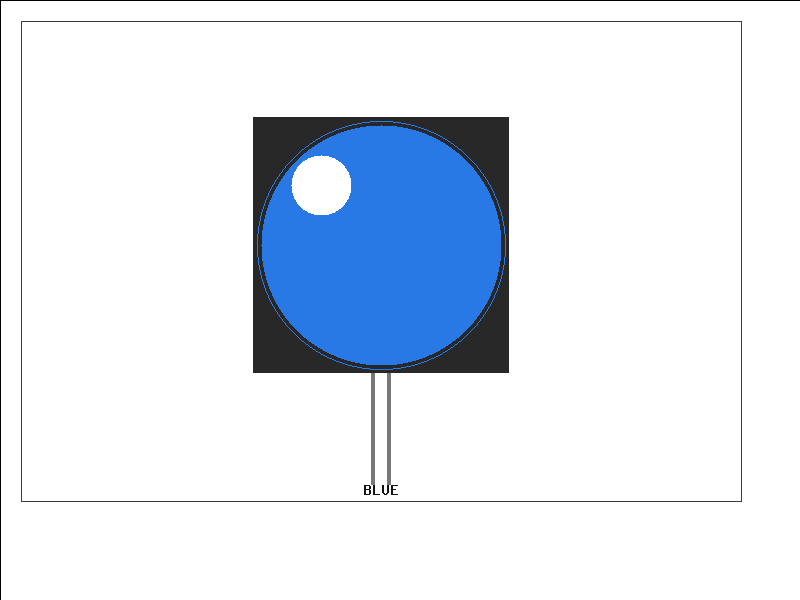
Single status LED, blue: dark bezel block, domed lens, two leads. On/off + brightness like the panel lamps.
void set_on(bool on)/bool is_on() const/void toggle()— the lamp state.void set_brightness(int b)/int get_brightness() const— 0–100, clamped; the lens brightens with brightness (off is a dim tint).xframe::InstLamp lamp_state() const/void set_lamp(const xframe::InstLamp& s)— the whole illuminator state at once.- Click or Space toggles;
on_clickfires on every toggle.
#include "InstLedBlue.h"
InstLedBlue w(display, screen, window, gc, &styles, 20, 20, 720, 480);
w.set_on(true);
w.set_brightness(75);
w.draw();
// Click or Space toggles the lamp; w.is_on() / w.get_brightness() read it back.
InstRgbStatusLed
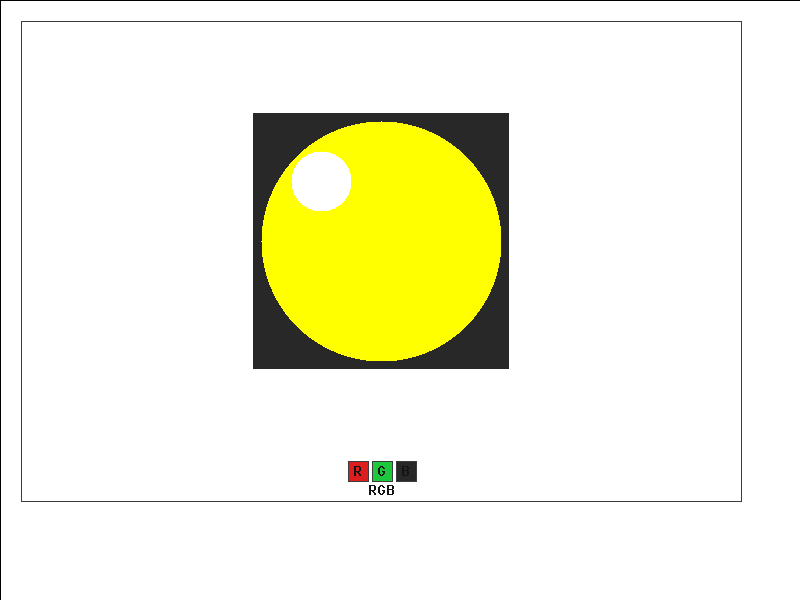
ONE status LED with INDEPENDENT red, green and blue channels — each channel is its own illuminator, so the LED shows any of the 8 colours plus off (red, green, blue, yellow, cyan, magenta, white, off).
void set_red(bool v)/set_green(bool v)/set_blue(bool v)— each channel independently.bool get_red() const/get_green() const/get_blue() const,xframe::InstRgb rgb_state() const/void set_rgb(const xframe::InstRgb& s).void colour(int& r, int& g, int& b) const— the combined 0–255 colour (any of the 8 combinations + off).void set_brightness(int b)/int get_brightness() const— 0–100, clamped; scales all channels together.void set_all(bool v)/void toggle_all()/bool is_on() const— all channels at once.- Click or Space toggles all channels; keys
r/g/btoggle one channel; the three squares under the dome show the channel states.
#include "InstRgbStatusLed.h"
InstRgbStatusLed w(display, screen, window, gc, &styles, 20, 20, 720, 480);
w.set_red(true);
w.set_green(true);   // red + green = yellow; each channel independent
w.draw();
int r = 0, g = 0, b = 0;
w.colour(r, g, b);
// Keys r/g/b toggle one channel; w.get_red() / get_green() / get_blue().
InstStackLight
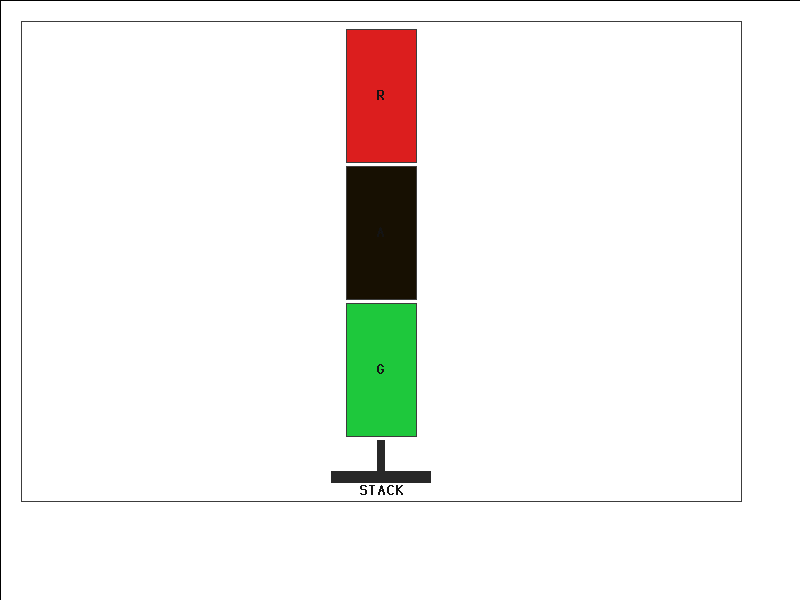
3-tier tower light on a pole and base: red (top), amber, green tiers, each an independent illuminator with its own on/off + brightness.
void set_red(bool v)/set_amber(bool v)/set_green(bool v)— each tier independently (red top, amber middle, green bottom).bool is_red_on() const/is_amber_on() const/is_green_on() const.void set_red_brightness(int b)/set_amber_brightness(int b)/set_green_brightness(int b)(0–100, clamped) and matching getters.xframe::InstLamp red_lamp() const/amber_lamp() const/green_lamp() const,void set_all(bool v),bool is_on() const.- Click a tier to toggle just that tier; keys
1/2/3toggle red/amber/green; Space toggles all.
#include "InstStackLight.h"
InstStackLight w(display, screen, window, gc, &styles, 20, 20, 720, 480);
w.set_red(true);
w.set_green(true);
w.draw();
// Click a tier to toggle it; keys 1/2/3 toggle red/amber/green.
InstBeacon
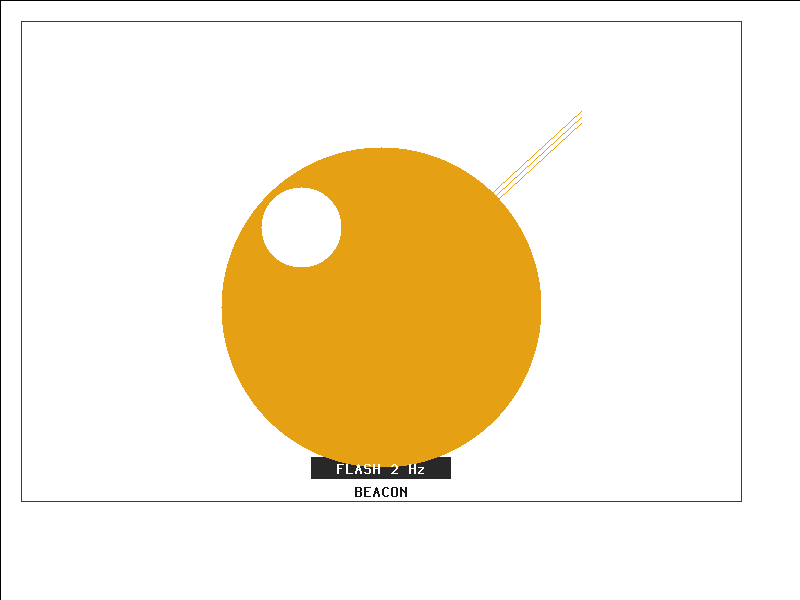
Rotating/flashing beacon on a base: amber dome with a beam when lit, on/off plus a flash rate of 0.5–10 Hz stepped with tick().
void set_on(bool on)/bool is_on() const/void toggle().void set_brightness(int b)/int get_brightness() const— 0–100, clamped.void set_flash_rate(double hz)/double get_flash_rate() const— 0.5–10 Hz, clamped.void tick()/void set_phase(bool p)/bool get_phase() const— advance one flash step;bool is_lit() constis on && in the bright phase.- Click or Space toggles on/off; key
fsteps the flash.
#include "InstBeacon.h"
InstBeacon w(display, screen, window, gc, &styles, 20, 20, 720, 480);
w.set_on(true);
w.set_flash_rate(2.0);
w.draw();
// w.tick() advances one flash step; key f steps it, Space toggles on/off.
InstLampTestButton
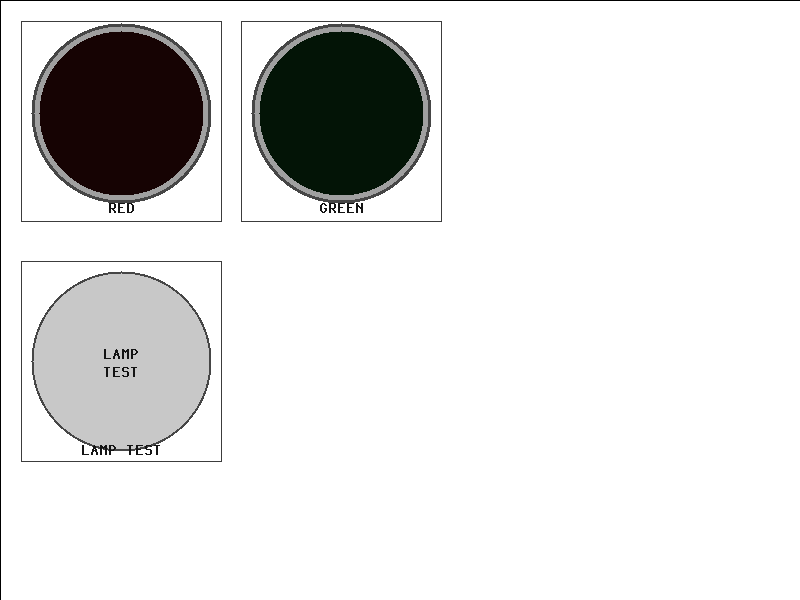
Lamp-test push button: while held it lights every lamp wired up with add_lamp(), then restores each lamp's previous state on release. A panel wires its lamps in and gets an on_test callback.
void add_lamp(std::function<void(bool)> setter, std::function<bool()> getter)— wire a lamp in; the button drives it while held.int lamp_count() const— how many lamps are wired.void set_on_test(std::function<void(bool)> cb)— callback fired with true on press and false on release, for the panel to wire up.void press()/void release()/bool is_testing() const— while held every wired lamp is on; on release each lamp's previous state is restored.- Click-and-hold (or Space) is the momentary action;
on_clickfires on press.
#include "InstLampTestButton.h"
#include "../InstPanelLampRed/InstPanelLampRed.h"
#include "../InstPanelLampGreen/InstPanelLampGreen.h"
InstPanelLampRed lamp_r(display, screen, window, gc, &styles, 20, 20, 200, 200);
InstPanelLampGreen lamp_g(display, screen, window, gc, &styles, 240, 20, 200, 200);
InstLampTestButton w(display, screen, window, gc, &styles, 20, 260, 200, 200);
w.add_lamp([&](bool v) { lamp_r.set_on(v); }, [&]() { return lamp_r.is_on(); });
w.add_lamp([&](bool v) { lamp_g.set_on(v); }, [&]() { return lamp_g.is_on(); });
w.set_on_test([](bool testing) { (void)testing; });
w.draw();
Group D+E — Gauges & Panel Furniture (12 widgets)
Group D (gauges and meters) and Group E (panel furniture) of the XFrame Instrumentation section. Standard XFrame hand-drawn widget style, no photorealism. Every widget is header-only, has a settable value where it applies, and ships with a demo program. Attribution: XFrame.
InstAnalogGauge
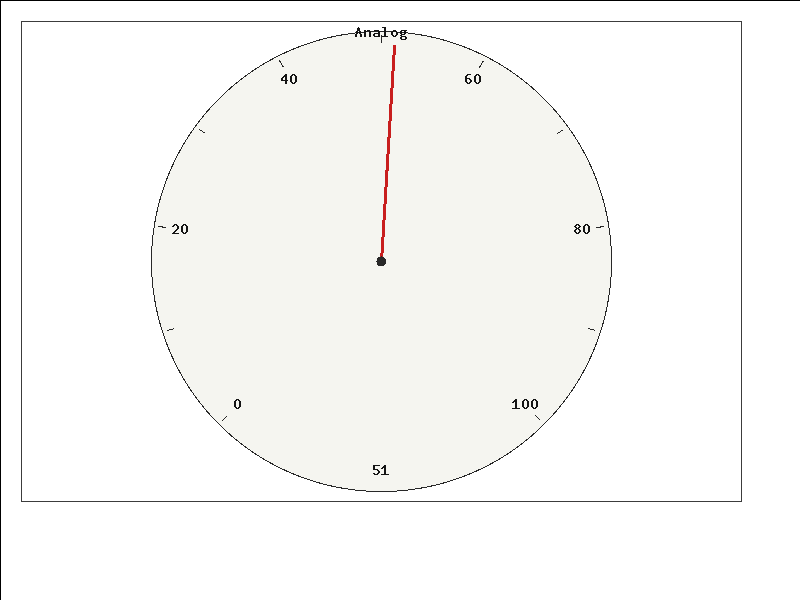
InstAnalogGauge - round dial gauge with a needle over a 0-100 scale.
Range: 0 to 100. API: set_value(double) (clamped to range), get_value(), set_range(lo, hi), min_value(), max_value(), fraction(). Arrow keys adjust the value, Home resets to mid-range. on_click fires on click.
#include "InstAnalogGauge.h"
InstAnalogGauge gauge(display, screen, window, gc, &styles, 20, 20, 320, 240, xframe::inst_demo_value(0, 100, 7));
gauge.set_value(0);
gauge.draw();
InstPressureGauge
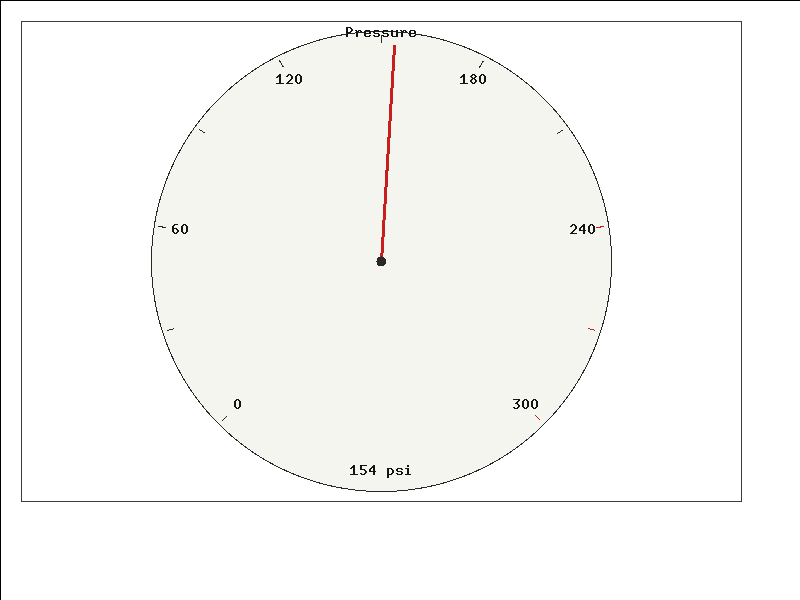
InstPressureGauge - pressure dial in psi with a red zone above 240 psi.
Range: 0 to 300. API: set_value(double) (clamped to range), get_value(), set_range(lo, hi), min_value(), max_value(), fraction(). Arrow keys adjust the value, Home resets to mid-range. on_click fires on click.
#include "InstPressureGauge.h"
InstPressureGauge gauge(display, screen, window, gc, &styles, 20, 20, 320, 240, xframe::inst_demo_value(0, 300, 7));
gauge.set_value(0);
gauge.draw();
InstTemperatureGauge
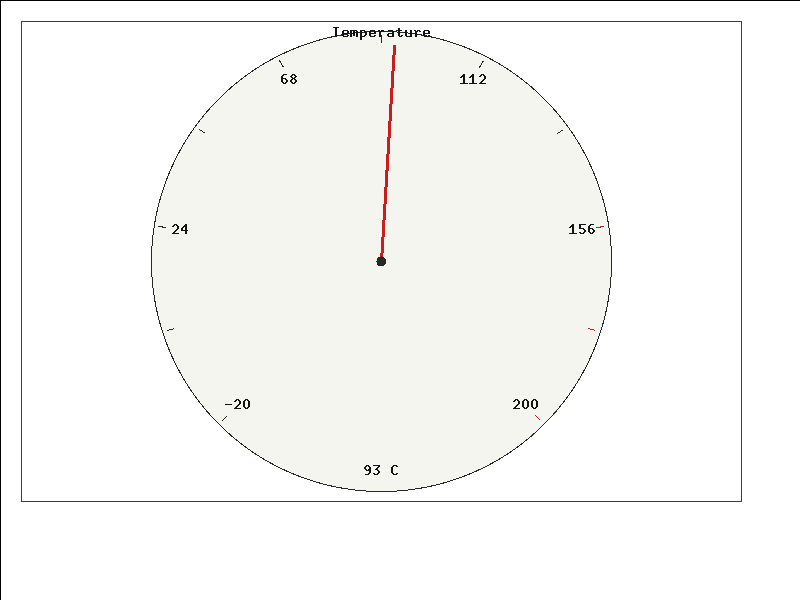
InstTemperatureGauge - temperature dial in degrees C with a red zone above 150 C.
Range: -20 to 200. API: set_value(double) (clamped to range), get_value(), set_range(lo, hi), min_value(), max_value(), fraction(). Arrow keys adjust the value, Home resets to mid-range. on_click fires on click.
#include "InstTemperatureGauge.h"
InstTemperatureGauge gauge(display, screen, window, gc, &styles, 20, 20, 320, 240, xframe::inst_demo_value(-20, 200, 7));
gauge.set_value(-20);
gauge.draw();
InstVuMeter
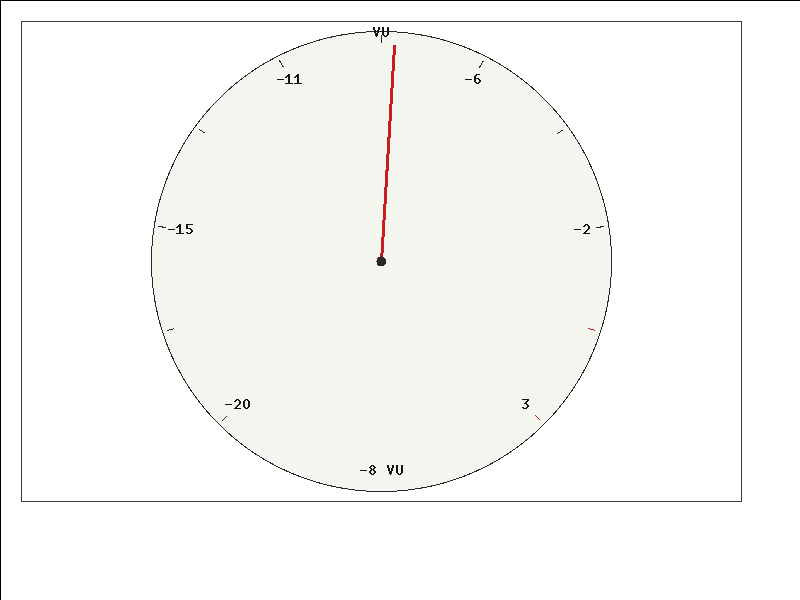
InstVuMeter - VU-style meter with a needle, red zone above 0 VU.
Range: -20 to 3. API: set_value(double) (clamped to range), get_value(), set_range(lo, hi), min_value(), max_value(), fraction(). Arrow keys adjust the value, Home resets to mid-range. on_click fires on click.
#include "InstVuMeter.h"
InstVuMeter gauge(display, screen, window, gc, &styles, 20, 20, 320, 240, xframe::inst_demo_value(-20, 3, 7));
gauge.set_value(-20);
gauge.draw();
InstBarMeter
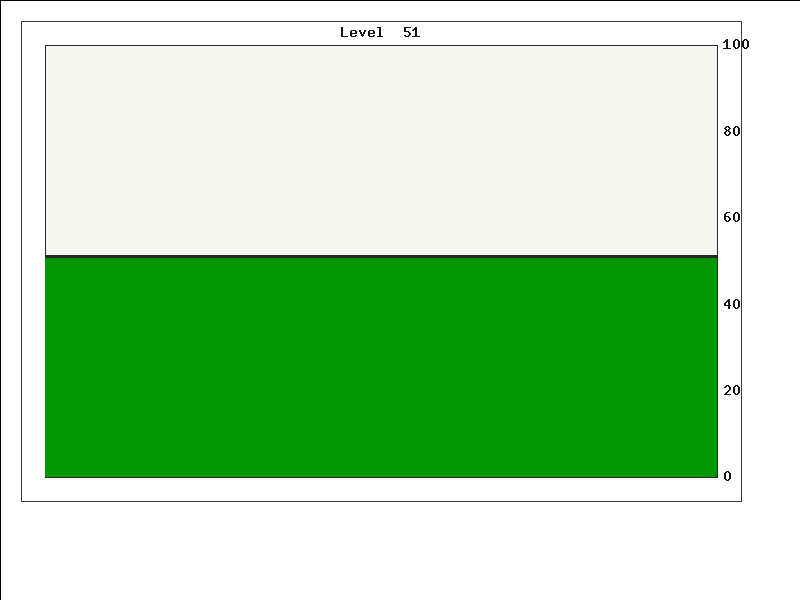
InstBarMeter - vertical or horizontal bar meter, green/amber/red by level. Click sets the value.
Range: 0 to 100. API: set_value(double) (clamped to range), get_value(), set_range(lo, hi), min_value(), max_value(), fraction(). Arrow keys adjust the value, Home resets to mid-range. on_click fires on click. set_horizontal(bool) switches vertical / horizontal; clicking the bar sets the value.
#include "InstBarMeter.h"
InstBarMeter gauge(display, screen, window, gc, &styles, 20, 20, 320, 240, xframe::inst_demo_value(0, 100, 7));
gauge.set_value(0);
gauge.draw();
InstDigitalReadout
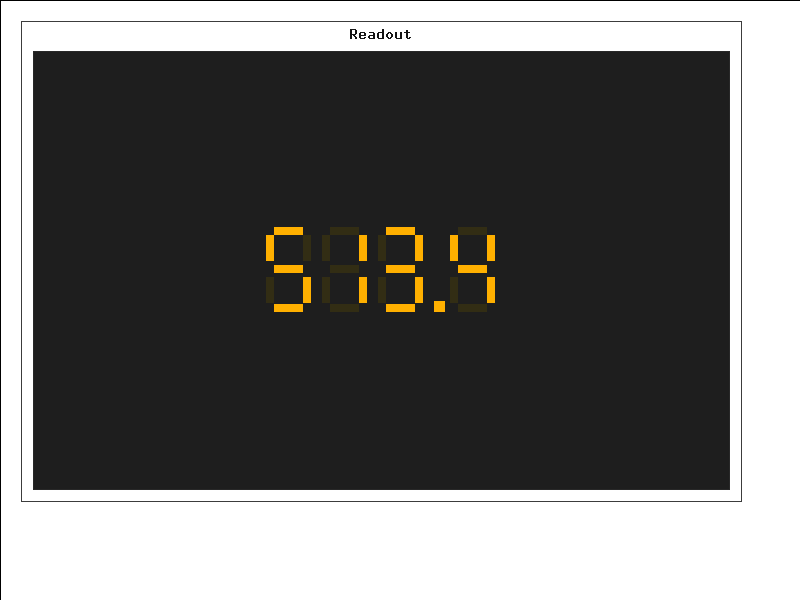
InstDigitalReadout - 7-segment style numeric display, 0 to 999.9.
Range: 0 to 999.9. API: set_value(double) (clamped to range), get_value(), set_range(lo, hi), min_value(), max_value(), fraction(). Arrow keys adjust the value, Home resets to mid-range. on_click fires on click.
#include "InstDigitalReadout.h"
InstDigitalReadout gauge(display, screen, window, gc, &styles, 20, 20, 320, 240, xframe::inst_demo_value(0, 999.9, 7));
gauge.set_value(0);
gauge.draw();
InstManometer
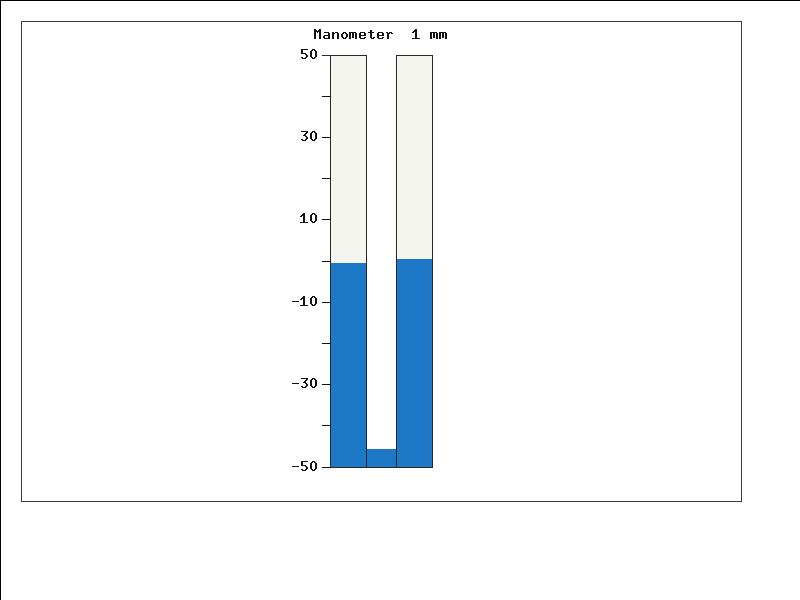
InstManometer - U-tube manometer, liquid levels move apart with differential pressure in mm.
Range: -50 to 50. API: set_value(double) (clamped to range), get_value(), set_range(lo, hi), min_value(), max_value(), fraction(). Arrow keys adjust the value, Home resets to mid-range. on_click fires on click.
#include "InstManometer.h"
InstManometer gauge(display, screen, window, gc, &styles, 20, 20, 320, 240, xframe::inst_demo_value(-50, 50, 7));
gauge.set_value(-50);
gauge.draw();
InstFlowMeter
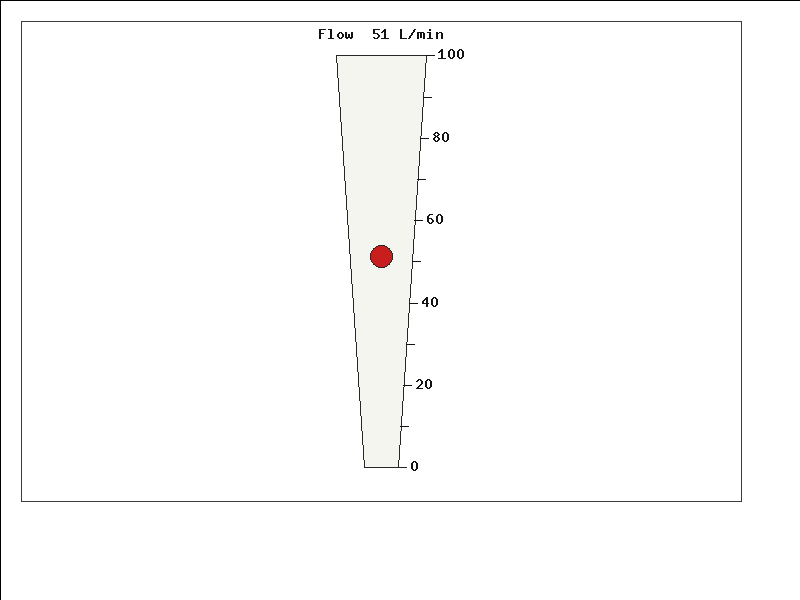
InstFlowMeter - rotameter: a float rides in a tapered tube, 0 to 100 L/min. Click sets the flow.
Range: 0 to 100. API: set_value(double) (clamped to range), get_value(), set_range(lo, hi), min_value(), max_value(), fraction(). Arrow keys adjust the value, Home resets to mid-range. on_click fires on click.
#include "InstFlowMeter.h"
InstFlowMeter gauge(display, screen, window, gc, &styles, 20, 20, 320, 240, xframe::inst_demo_value(0, 100, 7));
gauge.set_value(0);
gauge.draw();
InstPanelPlate
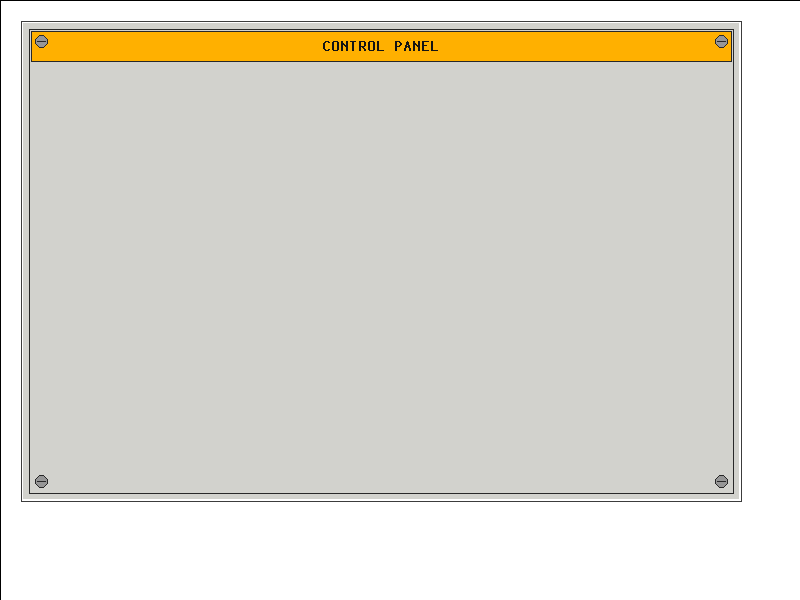
InstPanelPlate - mounting plate with corner screws and an amber title strip.
API: set_text() / get_text() for the title, set_bounds(), contains(), set_visible() / get_visible(), set_enabled() / get_enabled(), on_click fires on click.
#include "InstPanelPlate.h"
InstPanelPlate widget(display, screen, window, gc, &styles, 20, 20, 320, 240);
widget.draw();
InstNameplate
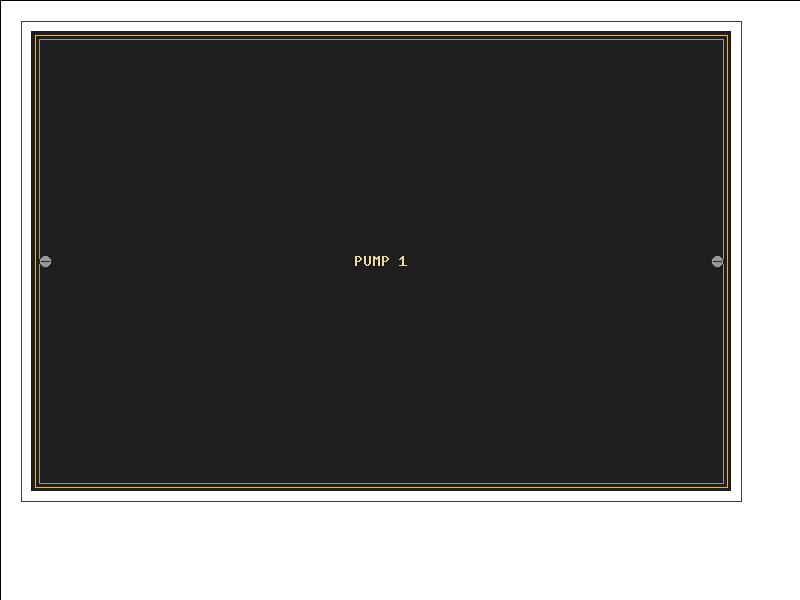
InstNameplate - engraved label plate with two screws.
API: set_text() / get_text() for the title, set_bounds(), contains(), set_visible() / get_visible(), set_enabled() / get_enabled(), on_click fires on click.
#include "InstNameplate.h"
InstNameplate widget(display, screen, window, gc, &styles, 20, 20, 320, 240);
widget.draw();
InstBezel
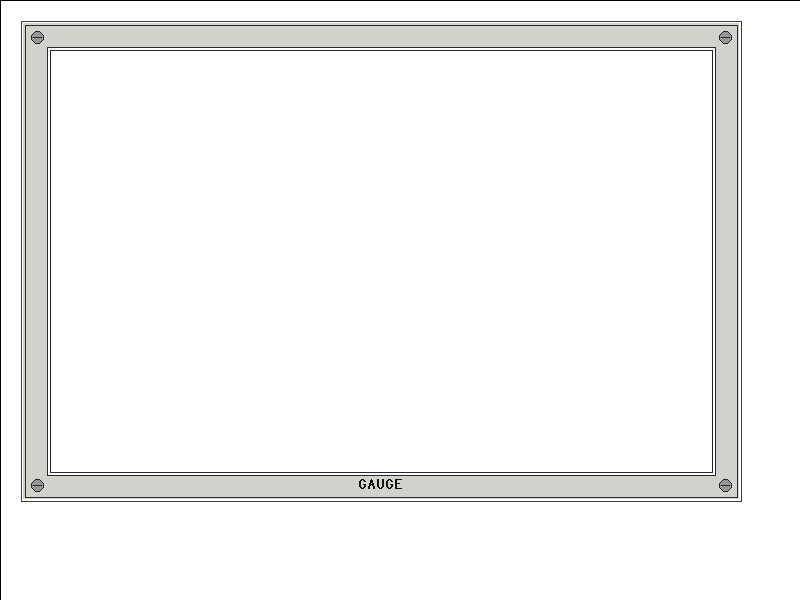
InstBezel - mounting bezel frame with an open window and corner screws.
API: set_text() / get_text() for the title, set_bounds(), contains(), set_visible() / get_visible(), set_enabled() / get_enabled(), on_click fires on click.
#include "InstBezel.h"
InstBezel widget(display, screen, window, gc, &styles, 20, 20, 320, 240);
widget.draw();
InstControlPanel
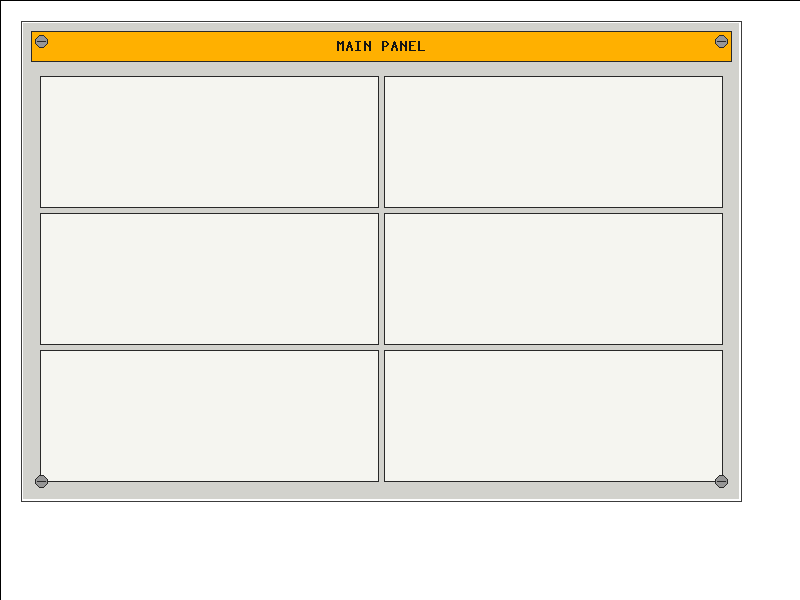
InstControlPanel - grid container: title strip, screws, and labelled cells other widgets sit on. Click a cell to select it.
API: set_text() / get_text() for the title, set_bounds(), contains(), set_visible() / get_visible(), set_enabled() / get_enabled(), on_click fires on click. set_grid(rows, cols), place_cell(row, col, label), cell_label(row, col), selected_row() / selected_col() / selected_label() — click a cell to select it.
#include "InstControlPanel.h"
InstControlPanel panel(display, screen, window, gc, &styles, 20, 20, 320, 240);
panel.set_grid(2, 2);
panel.place_cell(0, 0, "PUMP");
panel.place_cell(0, 1, "VALVE");
panel.draw();
Group F — LED Digit Displays & Analog Needles (10 widgets)
Ten widgets in widgets/components/, one per directory. Each directory contains exactly <Name>.h, main_<Name>.cpp, CMakeLists.txt, and core/xframe_core.h (byte-identical to widgets/core/xframe_core.h). Attribution: XFrame.
Group F extends the Instrumentation section (see docs/instrumentation.md for the full 66-widget section): the old 7-segment LED digit displays in 1–6 digit variants, plus four analog needle meters. Standard XFrame hand-drawn style, no photorealism. Demos use xframe::inst_demo_value(min, max, seed) from widgets/components/InstData.h (included as #include "../InstData.h").
Common API (all ten)
Constructor (all widgets):
Name(Display* display, int screen, Window window, GC gc,
     SStyle_Manager* styles, int x, int y, int width, int height);
Key methods, identical on every widget:
void set_value(double v)/double get_value() const— settable and readable; values clamp to the displayable range.void draw()— redraws the widget.bool on_button_press(int x, int y, unsigned int button)— click focuses the widget and fireson_click;bool on_button_release(...),bool on_motion(int x, int y)— hover tracking.bool on_key(KeySym key, const char* str)— only when focused: Up/Right steps the value up, Down/Left steps it down, Home resets to the minimum.std::function<void()> on_click— called on click (and Return/Space).void set_bounds(...),width(),height(),contains(x, y),set_visible/get_visible,set_enabled/get_enabled,set_style_name,set_text/get_text,style().
LED digit displays also have:
double max_value() const— largest displayable value.std::string shown_digits() const— the digits actually shown, zero-padded to the digit count (decimal point not included).int digit_at(int i) const,static bool segment_on(int digit, char seg),int decimal_point_after() const— decimal point sits after that digit index (-1 when there is none).void set_decimal_places(int dp)/int get_decimal_places() const(default 1 for 2–6 digits, 0 for 1 digit).
Analog needles also have:
void set_range(double lo, double hi)/get_min()/get_max().double needle_angle_deg() const— needle angle in degrees from 12 o'clock (round dials) or from vertical (edgewise / VU), clockwise positive.
Build one widget (from the repo root, on the server):
cmake -S widgets/components/InstLedDigits4 -B /tmp/b-digits4 -DCMAKE_CXX_FLAGS="-Wall -Wextra"
cmake --build /tmp/b-digits4   # 0 warnings
Tests: python3 widgets/tests/test_inst_group_f.py builds all ten with -Wall -Wextra, runs the headless harness (clamping, segment map, needle angles, pixel movement), runs each demo under Xvfb :147 (draw / click / key / clean exit), and compiles every code example in this document. Result: 10/10 widgets fully PASS, 0 warnings, driver exit 0.
InstLedDigits1

1-digit vintage red 7-segment LED display. Shows the value zero-padded to 1 digit(s), in the style of old LED counters and clocks: dark bezel, bright red lit segments, faint unlit segments. Range 0..9, whole digits only. Up/Down keys step by 1.
Working example:
InstLedDigits1 w(display, screen, window, gc, &styles, 20, 20, 90, 110);
w.set_value(7);
w.draw();
InstLedDigits2
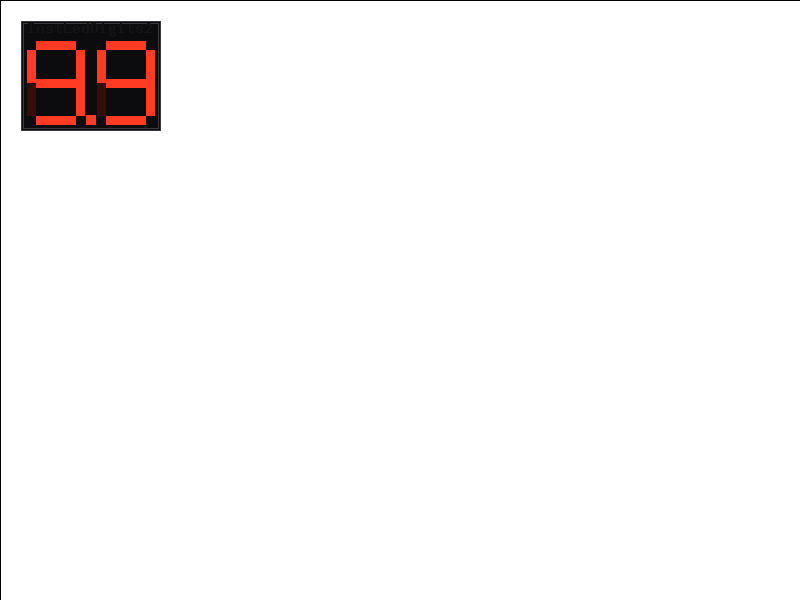
2-digit vintage red 7-segment LED display. Shows the value zero-padded to 2 digit(s) with one decimal place before the last digit, in the style of old LED counters and clocks: dark bezel, bright red lit segments, faint unlit segments. Range 0..9.9, one decimal place (none for the 1-digit display). Up/Down keys step by 0.1.
Working example:
InstLedDigits2 w(display, screen, window, gc, &styles, 20, 20, 140, 110);
w.set_value(42.5);
w.draw();
InstLedDigits3
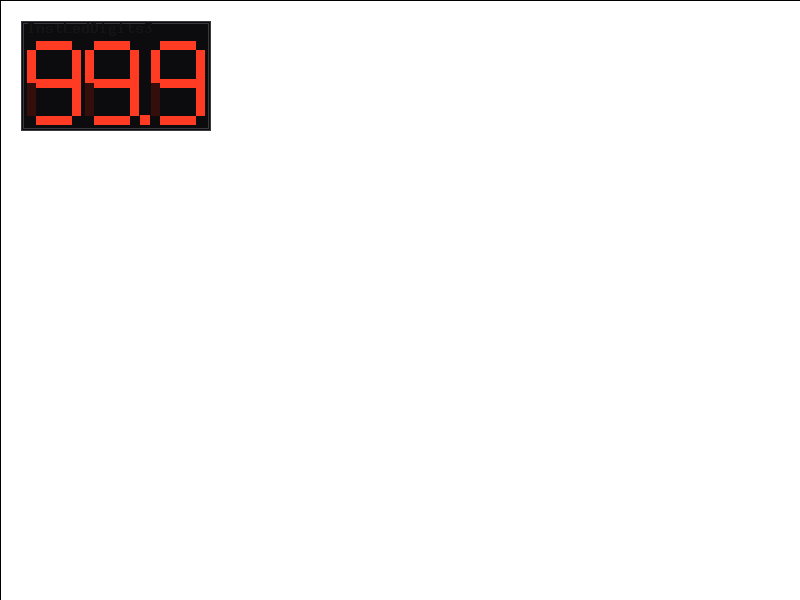
3-digit vintage red 7-segment LED display. Shows the value zero-padded to 3 digit(s) with one decimal place before the last digit, in the style of old LED counters and clocks: dark bezel, bright red lit segments, faint unlit segments. Range 0..99.9, one decimal place (none for the 1-digit display). Up/Down keys step by 0.1.
Working example:
InstLedDigits3 w(display, screen, window, gc, &styles, 20, 20, 190, 110);
w.set_value(123.4);
w.draw();
InstLedDigits4
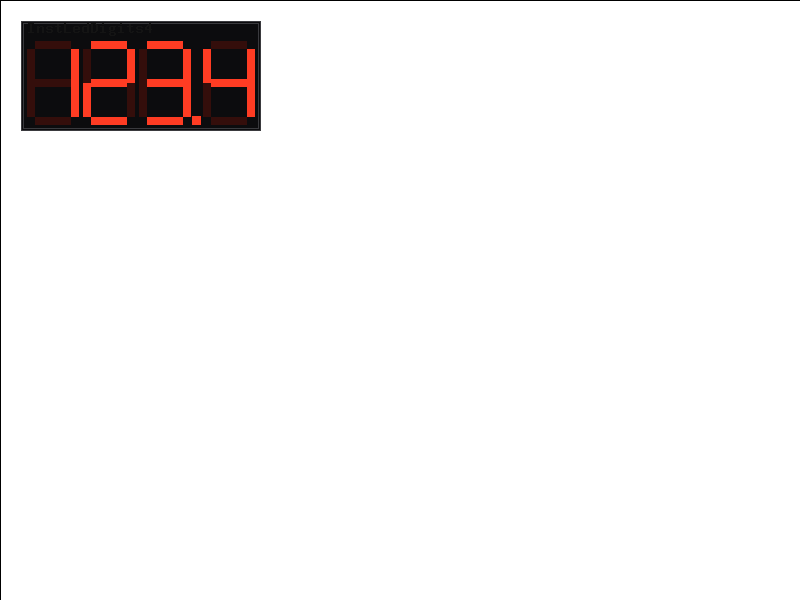
4-digit vintage red 7-segment LED display. Shows the value zero-padded to 4 digit(s) with one decimal place before the last digit, in the style of old LED counters and clocks: dark bezel, bright red lit segments, faint unlit segments. Range 0..999.9, one decimal place (none for the 1-digit display). Up/Down keys step by 0.1.
Working example:
InstLedDigits4 w(display, screen, window, gc, &styles, 20, 20, 240, 110);
w.set_value(123.4);
w.draw();
InstLedDigits5
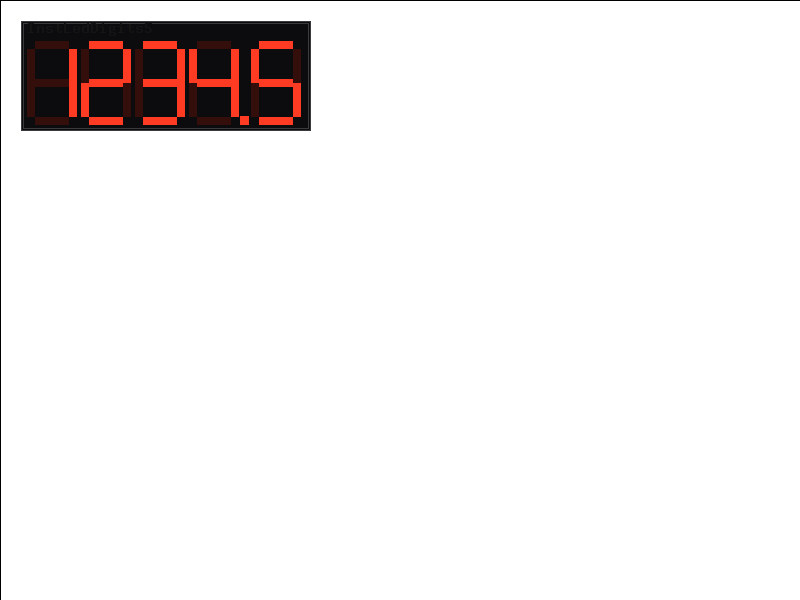
5-digit vintage red 7-segment LED display. Shows the value zero-padded to 5 digit(s) with one decimal place before the last digit, in the style of old LED counters and clocks: dark bezel, bright red lit segments, faint unlit segments. Range 0..9999.9, one decimal place (none for the 1-digit display). Up/Down keys step by 0.1.
Working example:
InstLedDigits5 w(display, screen, window, gc, &styles, 20, 20, 290, 110);
w.set_value(1234.5);
w.draw();
InstLedDigits6
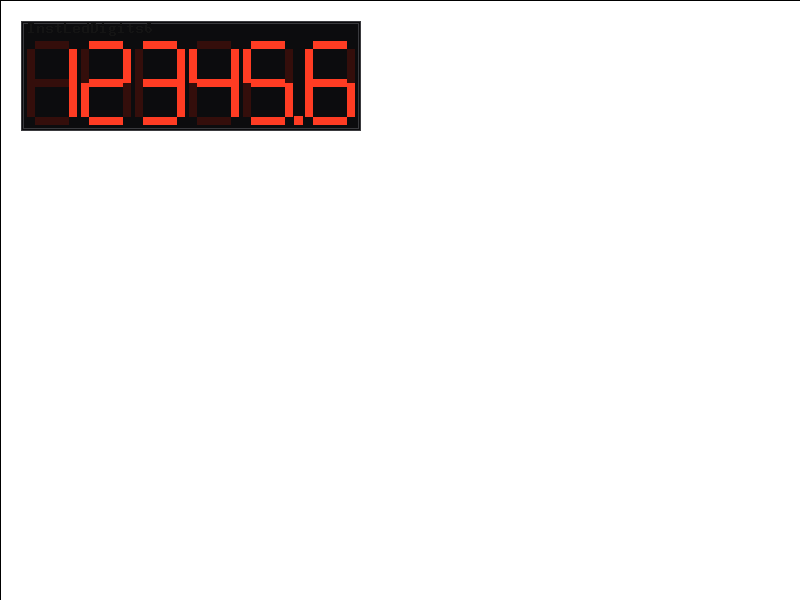
6-digit vintage red 7-segment LED display. Shows the value zero-padded to 6 digit(s) with one decimal place before the last digit, in the style of old LED counters and clocks: dark bezel, bright red lit segments, faint unlit segments. Range 0..99999.9, one decimal place (none for the 1-digit display). Up/Down keys step by 0.1.
Working example:
InstLedDigits6 w(display, screen, window, gc, &styles, 20, 20, 340, 110);
w.set_value(12345.6);
w.draw();
InstNeedleTapered
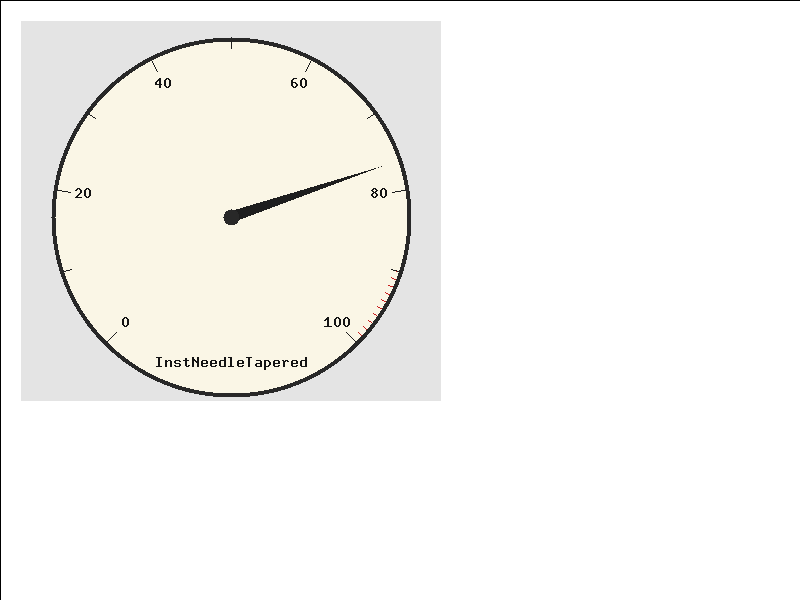
Standard tapered pointer on a round dial: the needle is wide at the hub and narrows to the tip, sweeping -135..+135 degrees over the range (default 0..100). Cream dial, major ticks every 20, red zone over the top 10%. Range 0.0..100.0 by default; set_range changes it.
Working example:
InstNeedleTapered w(display, screen, window, gc, &styles, 20, 20, 420, 380);
w.set_value(xframe::inst_demo_value(0.0, 100.0, 42));
w.draw();
InstNeedleKnifeEdge
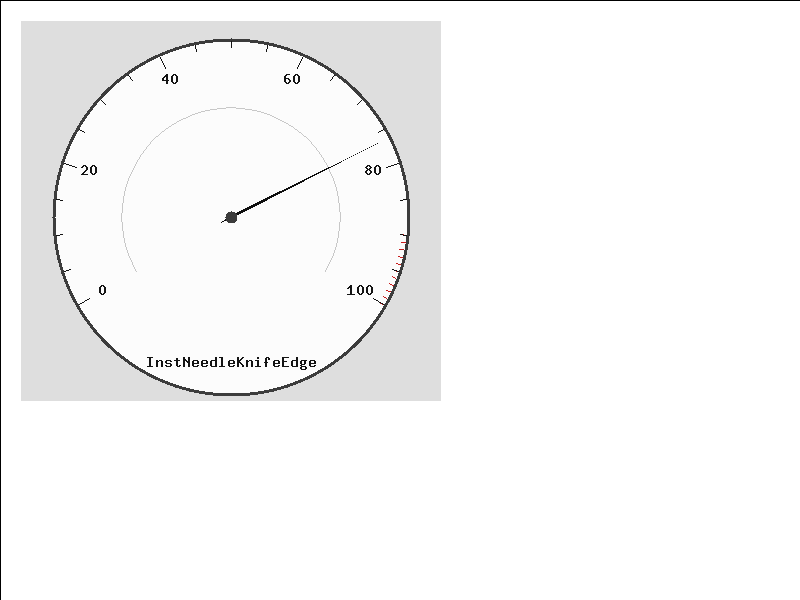
Knife-edge pointer on a round dial: a hair-thin pointer with a pointed tip and a short tail, sweeping -120..+120 degrees. White dial with a parallax mirror arc strip under the scale, ticks every 5, red zone over the top 10%. Range 0.0..100.0 by default; set_range changes it.
Working example:
InstNeedleKnifeEdge w(display, screen, window, gc, &styles, 20, 20, 420, 380);
w.set_value(xframe::inst_demo_value(0.0, 100.0, 42));
w.draw();
InstNeedleEdgewise
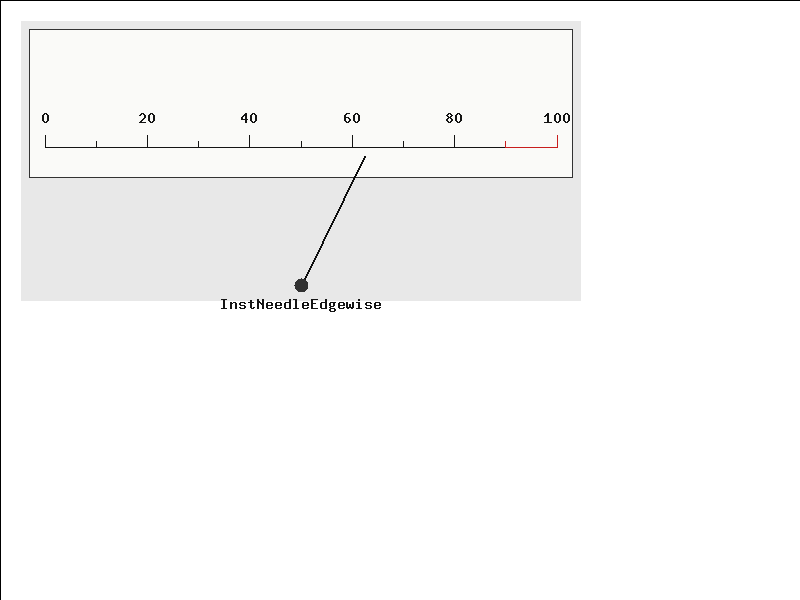
Edgewise horizontal meter: a flat horizontal scale with the needle pivoting below it and sweeping left-right (-50..+50 degrees from vertical) across the scale. Ticks every 10, labels every 20, red zone over the rightmost 10%. Range 0.0..100.0 by default; set_range changes it.
Working example:
InstNeedleEdgewise w(display, screen, window, gc, &styles, 20, 20, 560, 280);
w.set_value(xframe::inst_demo_value(0.0, 100.0, 42));
w.draw();
InstNeedleVu
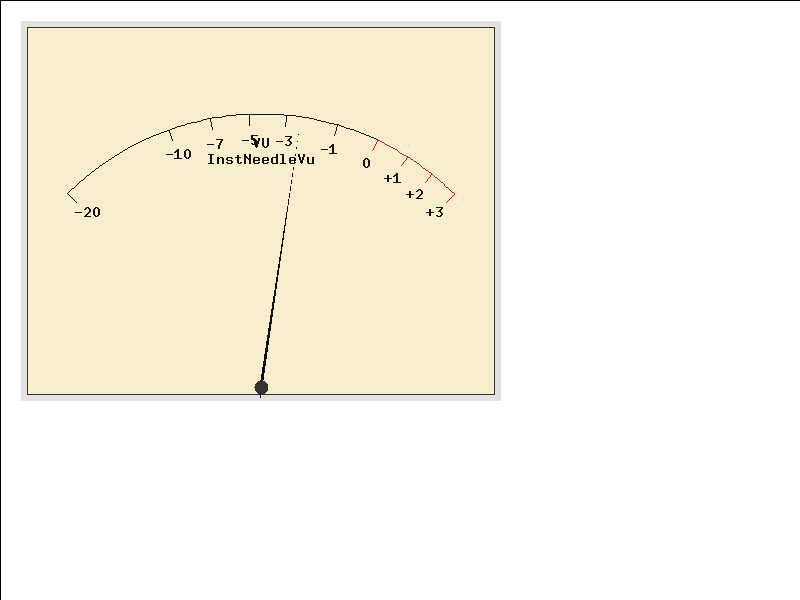
VU-style needle on a VU meter scale: -20..+3 VU with the standard nonlinear VU spacing (-20, -10, -7, -5, -3, -1, 0, +1, +2, +3), red arc above 0 VU, cream face, thin black needle sweeping -45..+45 degrees. Range -20.0..3.0 by default; set_range changes it.
Working example:
InstNeedleVu w(display, screen, window, gc, &styles, 20, 20, 480, 380);
w.set_value(xframe::inst_demo_value(-20.0, 3.0, 42));
w.draw();
Group G — Higher-Segment Alphanumeric LED Displays (12 widgets)
Twelve widgets in widgets/components/, one per directory. Each directory contains exactly <Name>.h, main_<Name>.cpp, CMakeLists.txt, and core/xframe_core.h (byte-identical to widgets/core/xframe_core.h). Attribution: XFrame.
Group G extends the Instrumentation section (see docs/instrumentation.md for the plan): the higher-segment displays that can roughly show alphanumeric text — 14-segment in 1–6 digit variants, and 16-segment in 1–6 digit variants. The honest word is "roughly": a segment display is not a dot matrix, and the tables below say exactly which characters each type shows well, which it only approximates, and which it cannot show at all. Standard XFrame hand-drawn style, no photorealism. Demos use deterministic strings ("HELLO", "ABC123", "42.5").
Common API (all twelve)
Constructor (all widgets):
Name(Display* display, int screen, Window window, GC gc,
     SStyle_Manager* styles, int x, int y, int width, int height);
Key methods, identical on every widget:
void set_value(const std::string& v)/std::string get_value() const— the displayed string; normalised to uppercase, truncated to the digit count, characters with no approximation dropped,./:become a decimal-point dot after the previous digit.std::string shown_text() const— the string actually shown, padded with spaces to the digit count.int cell_count() const,char char_at(int i) const.static bool segment_on(char ch, const std::string& seg)— is that segment lit for that character?static bool renders_clean(char ch)/renders_approx(char ch)/renders_blank(char ch);static std::string clean_repertoire()/approx_repertoire()/cannot_repertoire().static constexpr int kDigits,static constexpr int kSegments(14 or 16),static const char* default_value().void draw()— redraws the widget.bool on_button_press(int x, int y, unsigned int button)— click focuses the widget and fireson_click;bool on_button_release(...),bool on_motion(int x, int y)— hover tracking.bool on_key(KeySym key, const char* str)— only when focused: Up/Right steps the last displayed character (digit wraps 9→0, letter wraps Z→A), Down/Left steps it down, Home restores the default demo string, Return/Space fireson_click.std::function<void()> on_click,void set_bounds(...),width(),height(),contains(x, y),set_visible/get_visible,set_enabled/get_enabled,set_style_name,set_text/get_text,style().
Build one widget (from the repo root, on the server):
cmake -S widgets/components/InstSeg14Display4 -B /tmp/b-seg14-4 -DCMAKE_CXX_FLAGS="-Wall -Wextra"
cmake --build /tmp/b-seg14-4   # 0 warnings
Run the whole group (build + harness + demos + doc examples):
python3 widgets/tests/test_inst_group_g.py # ALL PASS, 12/12 widgets
InstSeg14Display1

14-segment alphanumeric LED display, 1 digit. The classic 14-segment font: the seven bars plus two half middle bars, two centre verticals and four diagonals. Shows A–Z, 0–9 and common punctuation roughly — M and W are poor (no centre peak), and K, Q, R, V, Y and Z are approximations. Demo string: A.
Repertoire (14-segment):
| Class | Characters | Notes |
|---|---|---|
| Clean | 0–9, A B C D E F G H I J L O P S T U X, - _ = + / | Render distinctly; verified pixel-distinct in the harness, except the look-alikes below. |
| Approximate | K M N Q R V W Y Z ' " : | Renders something recognisable, but only roughly. |
| Cannot show | ; , ? ! @ # $ % & * ( ) [ ] { } < > \ | ^ ` ~ |
| Look-alikes | 0/O, 5/S, 6/G, J/U | Each pair renders identically on segment displays. |
M and W have no centre peak on 14 segments, so they read as rough approximations; K, Q, R, V, Y and Z need diagonals the font only hints at.
Example:
InstSeg14Display1 w(display, screen, window, gc, &styles, 20, 20, 90, 110);
w.set_value("A");
w.draw();
InstSeg14Display2
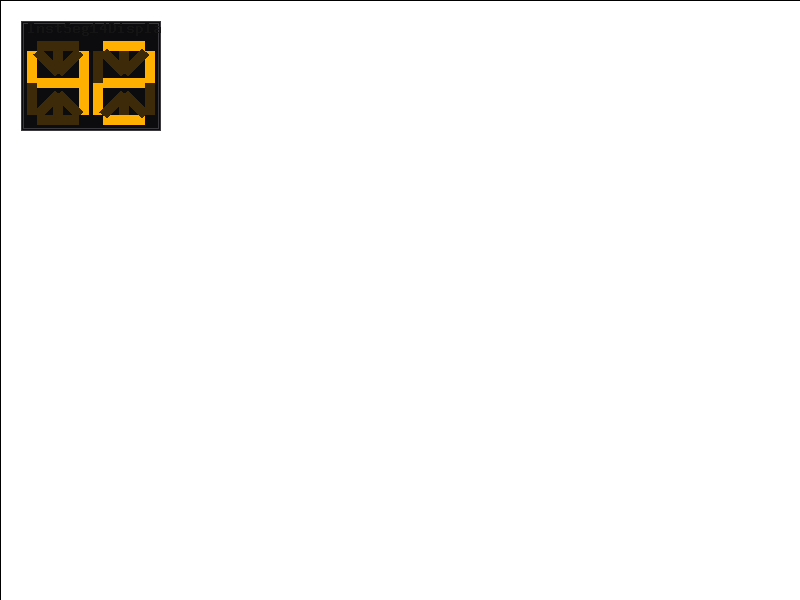
14-segment alphanumeric LED display, 2 digits. The classic 14-segment font: the seven bars plus two half middle bars, two centre verticals and four diagonals. Shows A–Z, 0–9 and common punctuation roughly — M and W are poor (no centre peak), and K, Q, R, V, Y and Z are approximations. Demo string: 42.
Repertoire (14-segment):
| Class | Characters | Notes |
|---|---|---|
| Clean | 0–9, A B C D E F G H I J L O P S T U X, - _ = + / | Render distinctly; verified pixel-distinct in the harness, except the look-alikes below. |
| Approximate | K M N Q R V W Y Z ' " : | Renders something recognisable, but only roughly. |
| Cannot show | ; , ? ! @ # $ % & * ( ) [ ] { } < > \ | ^ ` ~ |
| Look-alikes | 0/O, 5/S, 6/G, J/U | Each pair renders identically on segment displays. |
M and W have no centre peak on 14 segments, so they read as rough approximations; K, Q, R, V, Y and Z need diagonals the font only hints at.
Example:
InstSeg14Display2 w(display, screen, window, gc, &styles, 20, 20, 140, 110);
w.set_value("42");
w.draw();
InstSeg14Display3
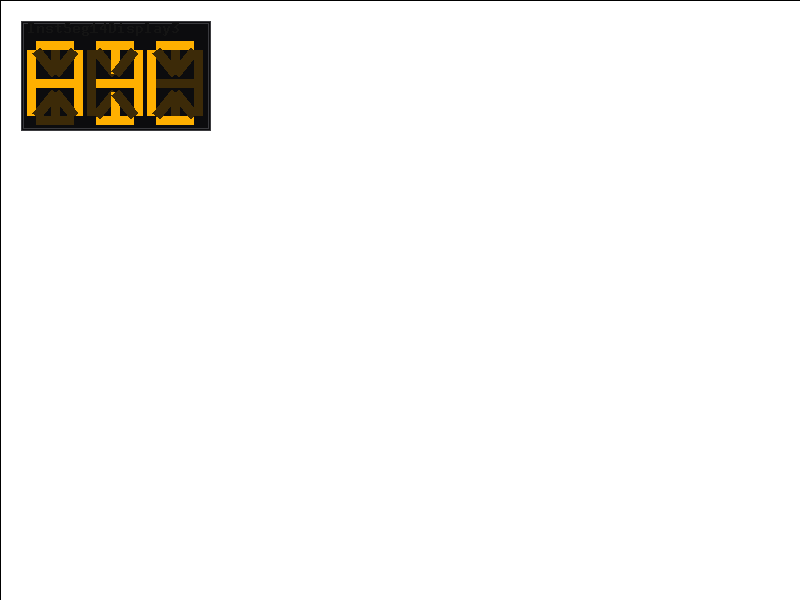
14-segment alphanumeric LED display, 3 digits. The classic 14-segment font: the seven bars plus two half middle bars, two centre verticals and four diagonals. Shows A–Z, 0–9 and common punctuation roughly — M and W are poor (no centre peak), and K, Q, R, V, Y and Z are approximations. Demo string: ABC.
Repertoire (14-segment):
| Class | Characters | Notes |
|---|---|---|
| Clean | 0–9, A B C D E F G H I J L O P S T U X, - _ = + / | Render distinctly; verified pixel-distinct in the harness, except the look-alikes below. |
| Approximate | K M N Q R V W Y Z ' " : | Renders something recognisable, but only roughly. |
| Cannot show | ; , ? ! @ # $ % & * ( ) [ ] { } < > \ | ^ ` ~ |
| Look-alikes | 0/O, 5/S, 6/G, J/U | Each pair renders identically on segment displays. |
M and W have no centre peak on 14 segments, so they read as rough approximations; K, Q, R, V, Y and Z need diagonals the font only hints at.
Example:
InstSeg14Display3 w(display, screen, window, gc, &styles, 20, 20, 190, 110);
w.set_value("ABC");
w.draw();
InstSeg14Display4
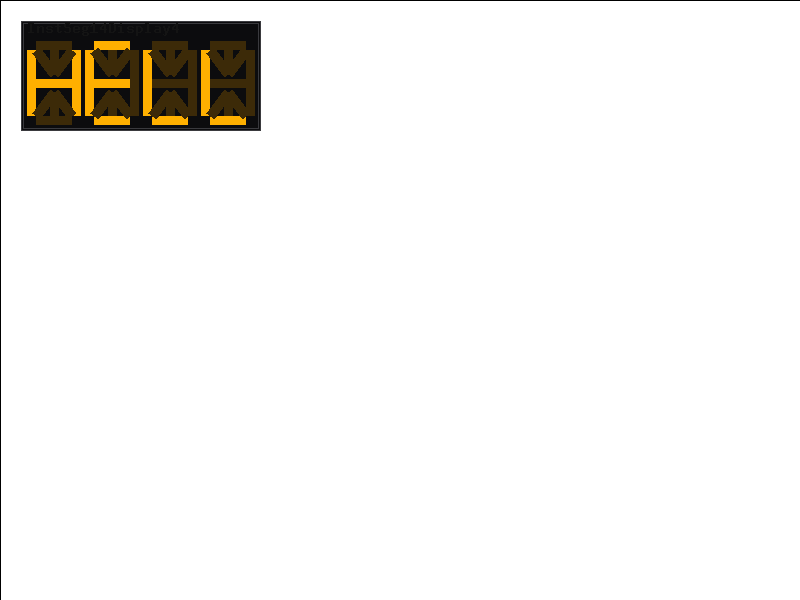
14-segment alphanumeric LED display, 4 digits. The classic 14-segment font: the seven bars plus two half middle bars, two centre verticals and four diagonals. Shows A–Z, 0–9 and common punctuation roughly — M and W are poor (no centre peak), and K, Q, R, V, Y and Z are approximations. Demo string: HELL.
Repertoire (14-segment):
| Class | Characters | Notes |
|---|---|---|
| Clean | 0–9, A B C D E F G H I J L O P S T U X, - _ = + / | Render distinctly; verified pixel-distinct in the harness, except the look-alikes below. |
| Approximate | K M N Q R V W Y Z ' " : | Renders something recognisable, but only roughly. |
| Cannot show | ; , ? ! @ # $ % & * ( ) [ ] { } < > \ | ^ ` ~ |
| Look-alikes | 0/O, 5/S, 6/G, J/U | Each pair renders identically on segment displays. |
M and W have no centre peak on 14 segments, so they read as rough approximations; K, Q, R, V, Y and Z need diagonals the font only hints at.
Example:
InstSeg14Display4 w(display, screen, window, gc, &styles, 20, 20, 240, 110);
w.set_value("HELL");
w.draw();
InstSeg14Display5
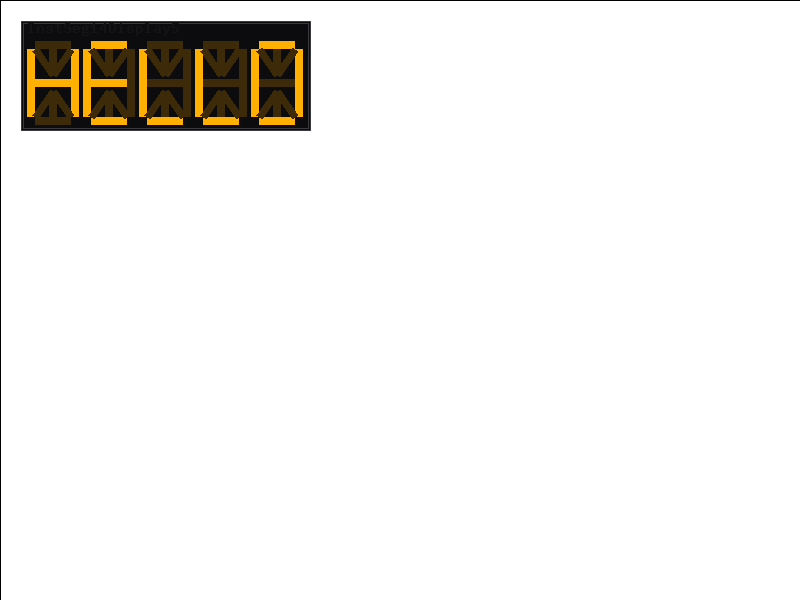
14-segment alphanumeric LED display, 5 digits. The classic 14-segment font: the seven bars plus two half middle bars, two centre verticals and four diagonals. Shows A–Z, 0–9 and common punctuation roughly — M and W are poor (no centre peak), and K, Q, R, V, Y and Z are approximations. Demo string: HELLO.
Repertoire (14-segment):
| Class | Characters | Notes |
|---|---|---|
| Clean | 0–9, A B C D E F G H I J L O P S T U X, - _ = + / | Render distinctly; verified pixel-distinct in the harness, except the look-alikes below. |
| Approximate | K M N Q R V W Y Z ' " : | Renders something recognisable, but only roughly. |
| Cannot show | ; , ? ! @ # $ % & * ( ) [ ] { } < > \ | ^ ` ~ |
| Look-alikes | 0/O, 5/S, 6/G, J/U | Each pair renders identically on segment displays. |
M and W have no centre peak on 14 segments, so they read as rough approximations; K, Q, R, V, Y and Z need diagonals the font only hints at.
Example:
InstSeg14Display5 w(display, screen, window, gc, &styles, 20, 20, 290, 110);
w.set_value("HELLO");
w.draw();
InstSeg14Display6
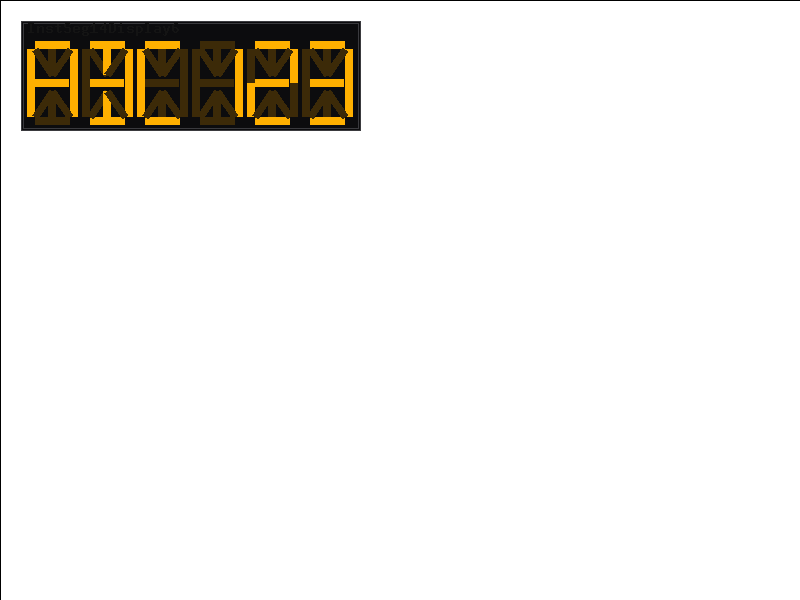
14-segment alphanumeric LED display, 6 digits. The classic 14-segment font: the seven bars plus two half middle bars, two centre verticals and four diagonals. Shows A–Z, 0–9 and common punctuation roughly — M and W are poor (no centre peak), and K, Q, R, V, Y and Z are approximations. Demo string: ABC123.
Repertoire (14-segment):
| Class | Characters | Notes |
|---|---|---|
| Clean | 0–9, A B C D E F G H I J L O P S T U X, - _ = + / | Render distinctly; verified pixel-distinct in the harness, except the look-alikes below. |
| Approximate | K M N Q R V W Y Z ' " : | Renders something recognisable, but only roughly. |
| Cannot show | ; , ? ! @ # $ % & * ( ) [ ] { } < > \ | ^ ` ~ |
| Look-alikes | 0/O, 5/S, 6/G, J/U | Each pair renders identically on segment displays. |
M and W have no centre peak on 14 segments, so they read as rough approximations; K, Q, R, V, Y and Z need diagonals the font only hints at.
Example:
InstSeg14Display6 w(display, screen, window, gc, &styles, 20, 20, 340, 110);
w.set_value("ABC123");
w.draw();
InstSeg16Display1

16-segment alphanumeric LED display, 1 digit. The 14-segment font with the top and bottom bars split in two, which — together with the centre verticals — gives M and W a real middle peak and handles more punctuation better. K, Q, R, V, Y and Z are still approximations. Demo string: M.
Repertoire (16-segment):
| Class | Characters | Notes |
|---|---|---|
| Clean | 0–9, A B C D E F G H I J L M O P S T U W X, - _ = + / | Render distinctly; verified pixel-distinct in the harness, except the look-alikes below. |
| Approximate | K N Q R V Y Z ' " : | Renders something recognisable, but only roughly. |
| Cannot show | ; , ? ! @ # $ % & * ( ) [ ] { } < > \ | ^ ` ~ |
| Look-alikes | 0/O, 5/S, 6/G, J/U | Each pair renders identically on segment displays. |
The split top/bottom bars plus the centre verticals give M and W a real middle peak, so they read cleanly here. K, Q, R, V, Y and Z are still only approximate.
Example:
InstSeg16Display1 w(display, screen, window, gc, &styles, 20, 20, 90, 110);
w.set_value("M");
w.draw();
InstSeg16Display2

16-segment alphanumeric LED display, 2 digits. The 14-segment font with the top and bottom bars split in two, which — together with the centre verticals — gives M and W a real middle peak and handles more punctuation better. K, Q, R, V, Y and Z are still approximations. Demo string: MW.
Repertoire (16-segment):
| Class | Characters | Notes |
|---|---|---|
| Clean | 0–9, A B C D E F G H I J L M O P S T U W X, - _ = + / | Render distinctly; verified pixel-distinct in the harness, except the look-alikes below. |
| Approximate | K N Q R V Y Z ' " : | Renders something recognisable, but only roughly. |
| Cannot show | ; , ? ! @ # $ % & * ( ) [ ] { } < > \ | ^ ` ~ |
| Look-alikes | 0/O, 5/S, 6/G, J/U | Each pair renders identically on segment displays. |
The split top/bottom bars plus the centre verticals give M and W a real middle peak, so they read cleanly here. K, Q, R, V, Y and Z are still only approximate.
Example:
InstSeg16Display2 w(display, screen, window, gc, &styles, 20, 20, 140, 110);
w.set_value("MW");
w.draw();
InstSeg16Display3
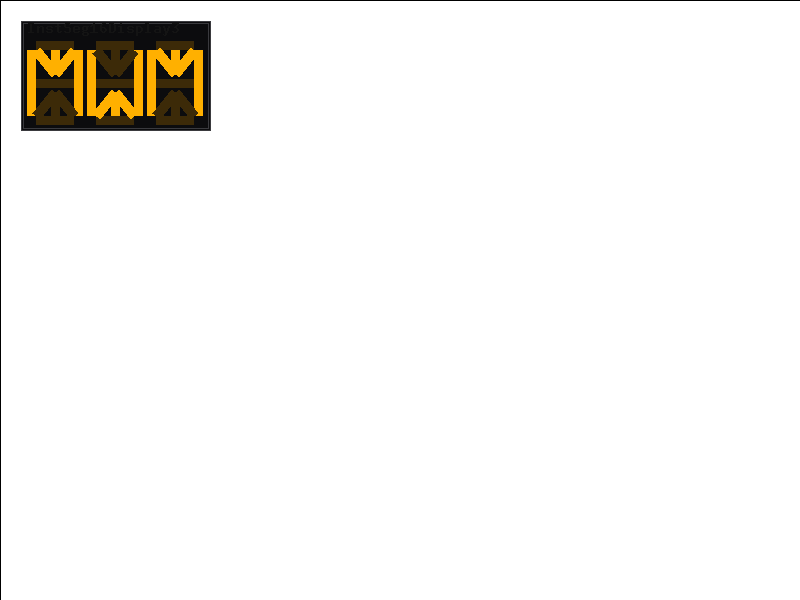
16-segment alphanumeric LED display, 3 digits. The 14-segment font with the top and bottom bars split in two, which — together with the centre verticals — gives M and W a real middle peak and handles more punctuation better. K, Q, R, V, Y and Z are still approximations. Demo string: MWM.
Repertoire (16-segment):
| Class | Characters | Notes |
|---|---|---|
| Clean | 0–9, A B C D E F G H I J L M O P S T U W X, - _ = + / | Render distinctly; verified pixel-distinct in the harness, except the look-alikes below. |
| Approximate | K N Q R V Y Z ' " : | Renders something recognisable, but only roughly. |
| Cannot show | ; , ? ! @ # $ % & * ( ) [ ] { } < > \ | ^ ` ~ |
| Look-alikes | 0/O, 5/S, 6/G, J/U | Each pair renders identically on segment displays. |
The split top/bottom bars plus the centre verticals give M and W a real middle peak, so they read cleanly here. K, Q, R, V, Y and Z are still only approximate.
Example:
InstSeg16Display3 w(display, screen, window, gc, &styles, 20, 20, 190, 110);
w.set_value("MWM");
w.draw();
InstSeg16Display4
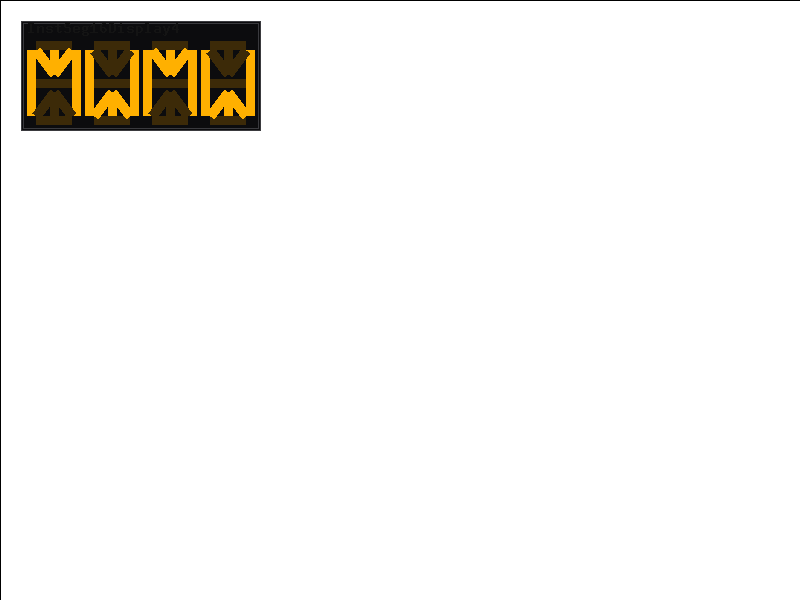
16-segment alphanumeric LED display, 4 digits. The 14-segment font with the top and bottom bars split in two, which — together with the centre verticals — gives M and W a real middle peak and handles more punctuation better. K, Q, R, V, Y and Z are still approximations. Demo string: MWMW.
Repertoire (16-segment):
| Class | Characters | Notes |
|---|---|---|
| Clean | 0–9, A B C D E F G H I J L M O P S T U W X, - _ = + / | Render distinctly; verified pixel-distinct in the harness, except the look-alikes below. |
| Approximate | K N Q R V Y Z ' " : | Renders something recognisable, but only roughly. |
| Cannot show | ; , ? ! @ # $ % & * ( ) [ ] { } < > \ | ^ ` ~ |
| Look-alikes | 0/O, 5/S, 6/G, J/U | Each pair renders identically on segment displays. |
The split top/bottom bars plus the centre verticals give M and W a real middle peak, so they read cleanly here. K, Q, R, V, Y and Z are still only approximate.
Example:
InstSeg16Display4 w(display, screen, window, gc, &styles, 20, 20, 240, 110);
w.set_value("MWMW");
w.draw();
InstSeg16Display5
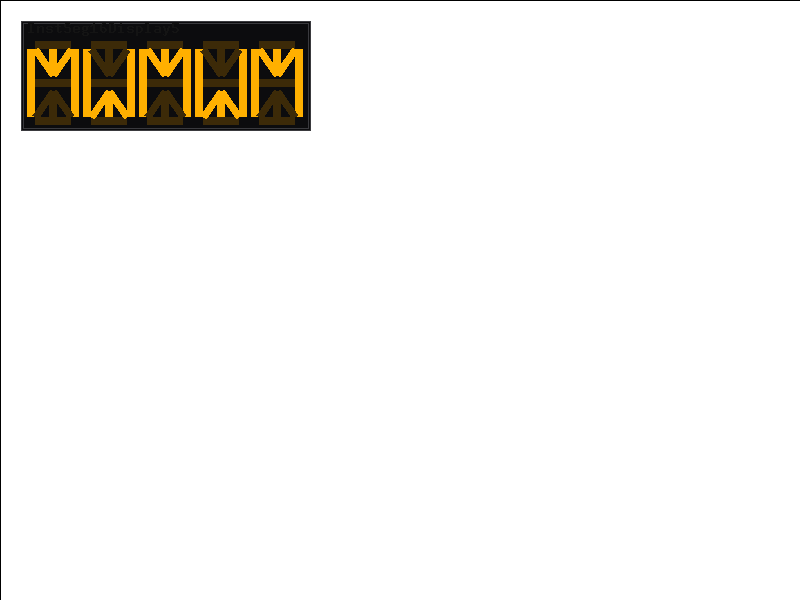
16-segment alphanumeric LED display, 5 digits. The 14-segment font with the top and bottom bars split in two, which — together with the centre verticals — gives M and W a real middle peak and handles more punctuation better. K, Q, R, V, Y and Z are still approximations. Demo string: MWMWM.
Repertoire (16-segment):
| Class | Characters | Notes |
|---|---|---|
| Clean | 0–9, A B C D E F G H I J L M O P S T U W X, - _ = + / | Render distinctly; verified pixel-distinct in the harness, except the look-alikes below. |
| Approximate | K N Q R V Y Z ' " : | Renders something recognisable, but only roughly. |
| Cannot show | ; , ? ! @ # $ % & * ( ) [ ] { } < > \ | ^ ` ~ |
| Look-alikes | 0/O, 5/S, 6/G, J/U | Each pair renders identically on segment displays. |
The split top/bottom bars plus the centre verticals give M and W a real middle peak, so they read cleanly here. K, Q, R, V, Y and Z are still only approximate.
Example:
InstSeg16Display5 w(display, screen, window, gc, &styles, 20, 20, 290, 110);
w.set_value("MWMWM");
w.draw();
InstSeg16Display6
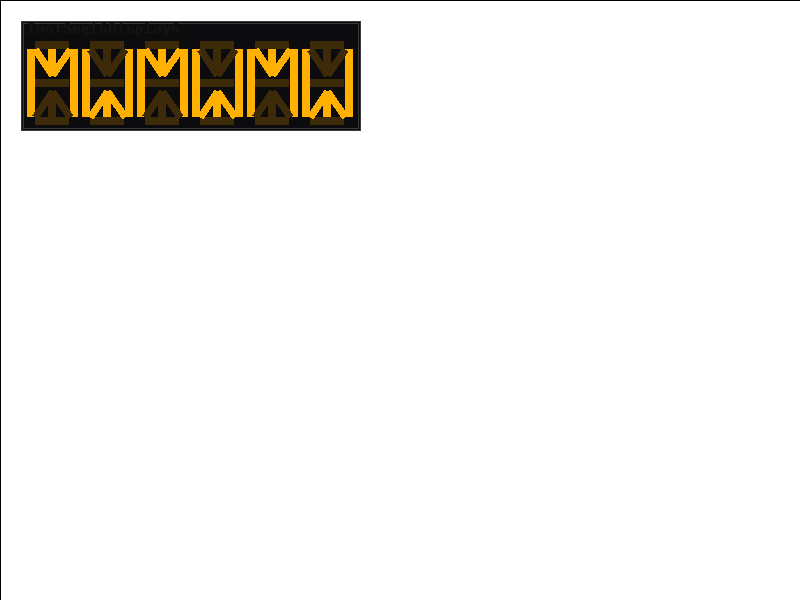
16-segment alphanumeric LED display, 6 digits. The 14-segment font with the top and bottom bars split in two, which — together with the centre verticals — gives M and W a real middle peak and handles more punctuation better. K, Q, R, V, Y and Z are still approximations. Demo string: MWMWMW.
Repertoire (16-segment):
| Class | Characters | Notes |
|---|---|---|
| Clean | 0–9, A B C D E F G H I J L M O P S T U W X, - _ = + / | Render distinctly; verified pixel-distinct in the harness, except the look-alikes below. |
| Approximate | K N Q R V Y Z ' " : | Renders something recognisable, but only roughly. |
| Cannot show | ; , ? ! @ # $ % & * ( ) [ ] { } < > \ | ^ ` ~ |
| Look-alikes | 0/O, 5/S, 6/G, J/U | Each pair renders identically on segment displays. |
The split top/bottom bars plus the centre verticals give M and W a real middle peak, so they read cleanly here. K, Q, R, V, Y and Z are still only approximate.
Example:
InstSeg16Display6 w(display, screen, window, gc, &styles, 20, 20, 340, 110);
w.set_value("MWMWMW");
w.draw();
Where It Lives in the Palette
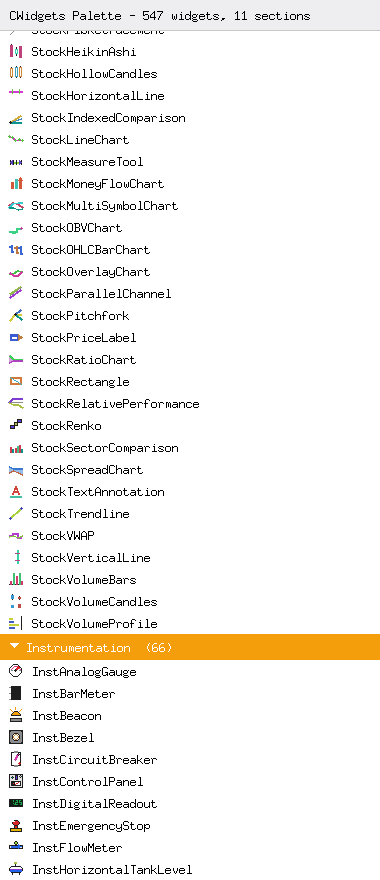
The Instrumentation section is the eleventh section of the XFrame palette, with an amber accent — the palette's section-accent table had to grow a hard-coded eleventh entry (amber 245, 158, 11) so it did not fall back to blue. The combined IDE palette now holds 583 entries — 36 FDesigner buttons plus all 547 XFrame widgets, each with its own unique 16×16 icon (547/547 distinct hashes). Place any of them from the palette into the layout window with PLACE_ALL 547/547 passing, exactly like the original 194.
The Whole Library Now
547 widgets in 11 sections. 547 code examples, all verified compiling. 547 per-widget pictures, each rendered on the VPS from the widget's own demo. 547 unique icons. One repo, MIT licensed: github.com/cnmcdee/CWidgets. Build it with make, launch the IDE with ./ide, and the control room is on your screen — drawn one pixel at a time, by hand. The switches really toggle, the lamps really light, and the tank really fills.